
Installation
Dependencies
Ensure the following resources are installed and running before sd-beekeeping:
| Dependency | Options |
|---|---|
| Framework | qb-core / qbx_core / es_extended |
| Library | ox_lib |
| Database | oxmysql |
| Target | ox_target / qb-target / qtarget |
Step 1: Add the Resource
- Download
sd-beekeepingfrom Keymaster - Extract it into your server's
resourcesdirectory - Add
ensure sd-beekeepingto yourserver.cfgafter all dependencies
ini
ensure oxmysql
ensure ox_lib
ensure qb-core
ensure ox_target
ensure sd-beekeeping
TIP
The database table sd_beekeeping is created automatically on first start. No manual SQL required.
Step 2: Add Items
Register 11 items in your inventory system. Item names use hyphens (e.g., bee-hive, not bee_hive).
lua
-- Add to ox_inventory/data/items.lua

['bee-hive'] = {
    label = 'Bee Hive',
    weight = 1000,
    stack = false,
    close = true,
    description = 'A placeable bee hive for honey production.',
},
['bee-house'] = {
    label = 'Bee House',
    weight = 1000,
    stack = false,
    close = true,
    description = 'A placeable bee house for capturing wild bees.',
},
['bee-queen'] = {
    label = 'Bee Queen',
    weight = 1000,
    stack = false,
    close = true,
    description = 'A queen bee, essential for hive production.',
},
['bee-worker'] = {
    label = 'Worker Bee',
    weight = 1000,
    stack = true,
    close = true,
    description = 'Worker bees that increase hive production.',
},
['bee-honey'] = {
    label = 'Bee Honey',
    weight = 1000,
    stack = true,
    close = true,
    description = 'Basic honey produced outside honey zones.',
},
['chiliad-honey'] = {
    label = 'Chiliad Honey',
    weight = 1000,
    stack = true,
    close = true,
    description = 'Honey harvested from the Mount Chiliad region.',
},
['green-hills-honey'] = {
    label = 'Green Hills Honey',
    weight = 1000,
    stack = true,
    close = true,
    description = 'Honey from the Vinewood Hills countryside.',
},
['alamo-honey'] = {
    label = 'Alamo Honey',
    weight = 1000,
    stack = true,
    close = true,
    description = 'Desert flora honey from the Alamo Sea region.',
},
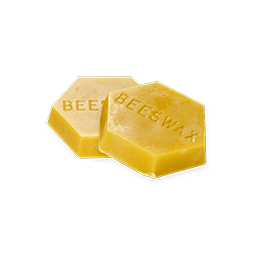
['bee-wax'] = {
    label = 'Bee Wax',
    weight = 500,
    stack = true,
    close = true,
    description = 'Natural beeswax, a byproduct of honey harvesting.',
},
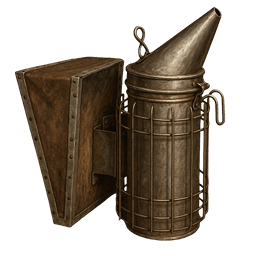
['bee-smoker'] = {
    label = 'Bee Smoker',
    weight = 1000,
    stack = false,
    close = true,
    description = 'A tool used to calm aggressive bees.',
},
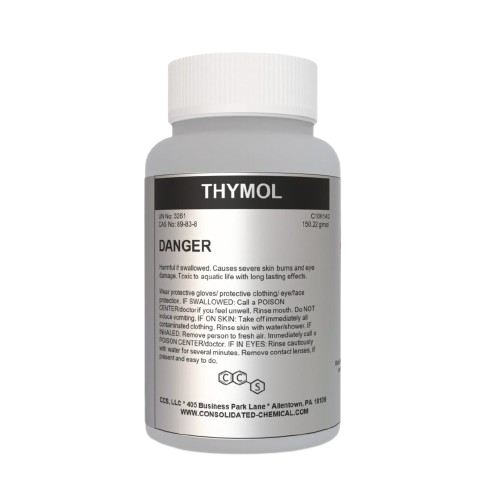
['thymol'] = {
    label = 'Thymol',
    weight = 500,
    stack = true,
    close = true,
    description = 'A treatment used to cure infected bee hives.',
},
lua
-- Add to qb-core/shared/items.lua

['bee-hive']          = { name = 'bee-hive',          label = 'Bee Hive',          weight = 1000, type = 'item', image = 'bee-hive.png',          unique = true,  useable = true,  shouldClose = true, description = 'A placeable bee hive' },
['bee-house']         = { name = 'bee-house',         label = 'Bee House',         weight = 1000, type = 'item', image = 'bee-house.png',         unique = true,  useable = true,  shouldClose = true, description = 'A placeable bee house' },
['bee-queen']         = { name = 'bee-queen',         label = 'Bee Queen',         weight = 1000, type = 'item', image = 'bee-queen.png',         unique = true,  useable = true,  shouldClose = true, description = 'A queen bee' },
['bee-worker']        = { name = 'bee-worker',        label = 'Worker Bee',        weight = 1000, type = 'item', image = 'bee-worker.png',        unique = false, useable = true,  shouldClose = true, description = 'Worker bees' },
['bee-honey']         = { name = 'bee-honey',         label = 'Bee Honey',         weight = 1000, type = 'item', image = 'bee-honey.png',         unique = false, useable = true,  shouldClose = true, description = 'Basic honey' },
['chiliad-honey']     = { name = 'chiliad-honey',     label = 'Chiliad Honey',     weight = 1000, type = 'item', image = 'chiliad-honey.png',     unique = false, useable = true,  shouldClose = true, description = 'Chiliad region honey' },
['green-hills-honey'] = { name = 'green-hills-honey', label = 'Green Hills Honey', weight = 1000, type = 'item', image = 'green-hills-honey.png', unique = false, useable = true,  shouldClose = true, description = 'Green Hills honey' },
['alamo-honey']       = { name = 'alamo-honey',       label = 'Alamo Honey',       weight = 1000, type = 'item', image = 'alamo-honey.png',       unique = false, useable = true,  shouldClose = true, description = 'Alamo Sea honey' },
['bee-wax']           = { name = 'bee-wax',           label = 'Bee Wax',           weight = 500,  type = 'item', image = 'bee-wax.png',           unique = false, useable = false, shouldClose = true, description = 'Natural beeswax' },
['bee-smoker']        = { name = 'bee-smoker',        label = 'Bee Smoker',        weight = 1000, type = 'item', image = 'bee-smoker.png',        unique = true,  useable = true,  shouldClose = true, description = 'Calms aggressive bees' },
['thymol']            = { name = 'thymol',            label = 'Thymol',            weight = 500,  type = 'item', image = 'thymol.png',            unique = false, useable = true,  shouldClose = true, description = 'Hive infection treatment' },
sql
-- Import sd-beekeeping/[SQL]/items.sql or run manually:

INSERT INTO `items` (`name`, `label`, `weight`) VALUES
  ('bee-hive', 'Bee Hive', 1000),
  ('bee-house', 'Bee House', 1000),
  ('bee-queen', 'Bee Queen', 1000),
  ('bee-worker', 'Worker Bee', 1000),
  ('bee-honey', 'Bee Honey', 1000),
  ('chiliad-honey', 'Chiliad Honey', 1000),
  ('green-hills-honey', 'Green Hills Honey', 1000),
  ('alamo-honey', 'Alamo Honey', 1000),
  ('bee-wax', 'Bee Wax', 500),
  ('bee-smoker', 'Bee Smoker', 1000),
  ('thymol', 'Thymol', 500);
Step 3: Copy Item Images
Copy all images from sd-beekeeping/images/ to your inventory's image folder:
| Inventory | Image Path |
|---|---|
| ox_inventory | ox_inventory/web/images/ |
| qb-inventory | qb-inventory/html/images/ |
| ps-inventory | ps-inventory/html/images/ |
| qs-inventory | qs-inventory/html/images/ |
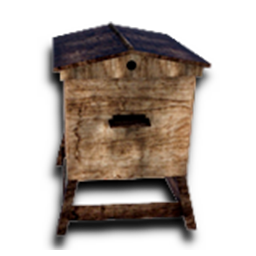
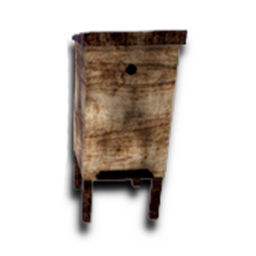
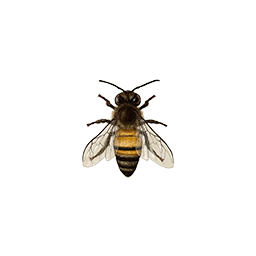
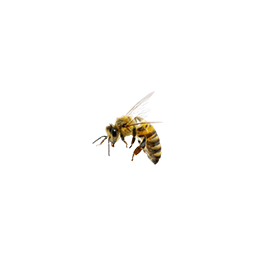
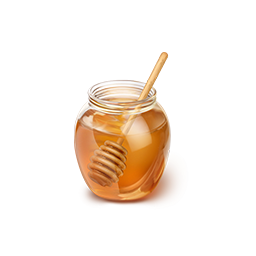
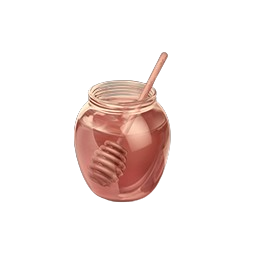
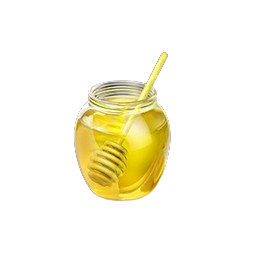
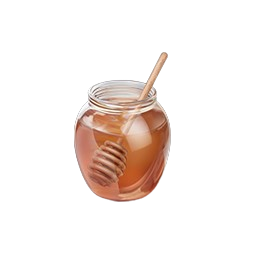
You can also download them directly below. Click any image to download it, or use Download All to grab them all at once.
Beekeeping Item Images11 images
WARNING
Missing images won't break the script, but items will display without icons in the inventory UI.
Step 4: Start and Verify
- Start your server
- The script auto-detects your framework and target system
- The
sd_beekeepingdatabase table is created on first boot - Check your server console for any errors
- Visit the Beekeeper NPC (blip on map) to buy your first hive
Database Table
The sd_beekeeping table stores all facility data:
| Column | Type | Purpose |
|---|---|---|
id | int(11) | Auto-increment primary key |
hive_type | varchar(50) | hive or house |
coords | varchar(255) | JSON position {x, y, z, h} |
options | longtext | Validation and rotation data |
data | longtext | Hive state (queens, workers, honey, wax, etc.) |
citizenid | varchar(255) | Owner identifier |
collaborators | JSON | Array of collaborator objects |
durability | int | 0–100 health percentage |