
Computers v1.0.0
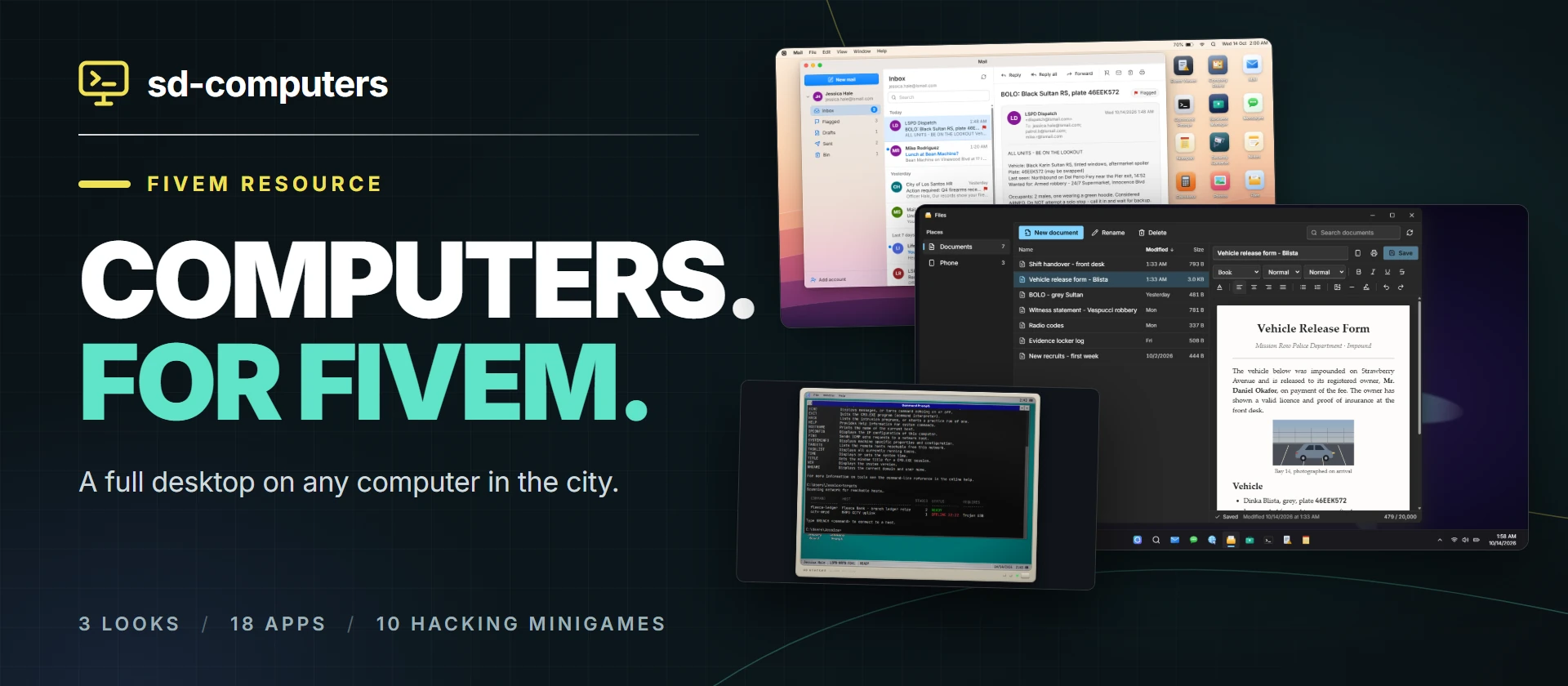
Computers (sd-computers) puts a working desktop on any computer in your city. Players walk up to a prop or a place, sign in and use real apps: Mail, a document editor that prints to paper, a browser for the city's own sites, banking, a job's notice board and boss menu, security cameras, that machine's own logs, and a Command Prompt that launches hacking minigames.
It is free and open source (GitHub), and you can try it in your browser at fivem.samueldev.shop/computer: all three looks and the admin panel, on sample data, with nothing to install.
Key Features
Apps
| App | What it does |
|---|---|
Shared, password-protected @lsmail.com accounts: sign up, sign in, several accounts at once, inbox, flagged, drafts, sent, bin, reply and forward, bounces for unknown addresses, live new-mail toasts | |
| Files | The character's documents in a proper editor: typefaces, sizes and ink, headings, lists, quotes, alignment, rules, pictures out of Photos, and lines to sign on. They follow the character to every computer and print the way they are set |
| Photos | The character's pictures, added by their link, on every computer. What Files puts into a document |
| Browser | A closed in-game network: only the sites you list. With sd-phone, the city's own sites, live - see Browser Sites |
| Bank | The character's balance, cash and recent transactions, to look at |
| Company Board | A job's notice board: bosses post and pin announcements, everyone in the job reads them, and it shows who is on duty |
| Business Manager | The boss menu: roster with online and on-duty status, promote, demote, fire, hire, society balance, deposit, withdraw, statement. Only shown to that job's bosses |
| Security Cameras | The cameras a player may watch from that computer, live in the app's window, to look around and zoom with |
| Event Viewer | That computer's System Logs: sign-ins, failed PINs, apps opened, mail sent, hacks, and anything other resources write |
| Command Prompt | A real-feeling cmd.exe that launches the hacking minigames and breaches configured targets for server-side rewards |
| Games | Mines, Solitaire and Snake, each a program of its own |
| Notepad, Calculator, Settings | Notes that follow the character, a full calculator, and wallpaper, accent colour and dark or light mode per character |
| Messages, Notes, Contacts, Phone Link | Only with sd-phone: the phone's texts, notes and address book on the desktop |
Notepad, Files, Mail, Bank and Event Viewer print to a printer near the computer.
Three Looks
Every computer runs the same apps against the same server. Its style decides the shell around them:
| Style | Name on screen | Feel |
|---|---|---|
modern | SD OS Pro | Centred taskbar and Start menu, rounded translucent windows, dark or light |
retro | SD Desktop 3.11 | A 1991 shell inside a beige CRT: DOS boot, teal desktop, bevelled grey windows |
mac | SD OS Harbor | Top menu bar, magnifying dock, traffic-light window buttons |
The style is set per computer, and every character's wallpaper and accent are kept per style. All three are original designs: no real OS logos, names, wallpapers or fonts.
At the Screen, and Screens in the World
Using a computer does not cover the game with a desktop. The camera moves up to the prop and the desktop sits inside its screen, with the room still around it. A computer nobody is using shows its lock screen on the prop, and one somebody is using shows a live copy of what they are doing to anyone nearby. See Props & Screens.
Paper That Is Really Paper
A page comes out of a printer in the world, waits in its tray, and is taken as an item: a sheet of A4 that can be handed over, stashed, and signed by whoever holds it. See Printers.
Admin Panel
/computeradmin lists every computer, camera and printer on the server, and places new ones in game with a placement gizmo, without touching a config file. See Admin Panel.
For Developers
Open a computer from another script, run a hacking minigame and get a verified result, write to a computer's System Logs, send mail, and print your own pages: see the Client Exports and Server Exports.
Compatibility
| Layer | Supported |
|---|---|
| Frameworks | QBox, QBCore. ESX works for everything except the Business Manager, which hides itself |
| Target | ox_target, qb-target, qtarget |
| Society funds | sd-banking, Renewed-Banking (optional: the Business Manager's Finances tab hides without one) |
| Phone | sd-phone v1.0.7 or newer (optional) |
Getting Started
Head to Installation to set it up, then Configuration for what each setting does.