
Walls Reference
Breakable walls are placed in-game - from the Walls tab of /bombadmin, with /wall_place, with a wall-kit item, or from another script with the placeWall export - and any explosion can blow a hole through them.
How a Wall Works
- A wall is a run: one straight stretch of one style, 3 m tall and as long as the gap it closes - any length in steps of 0.25 m, up to 40 m
- The run is laid seamlessly from modular pieces (2 m, 1 m, 0.5 m, and 0.25 m wide), so to players it is one wall, not a row of blocks
- When a run is breached it is re-laid around the hole, wherever along it the blast was - a charge at one end opens that end
- A run can be breached again further along, and a blast into an existing hole makes it bigger
- Walls placed through the panel, the commands, or the wall kits are saved (
data/walls.json) and come back after a restart - A breached wall rebuilds itself after 15 minutes by default (
RepairAfter), and the clock survives a restart
Toughness
Every style has a toughness from 1 to 4. An explosion has a power: a blast breaches every intact wall within its reach whose toughness its power meets. Reach is measured to the nearest point of the wall - 2 m + 0.9 m per point of power (a sticky bomb: 4.7 m).
| Explosion | Power | Explosion | Power |
|---|---|---|---|
| Pipe bomb | 2 | Car | 2 |
| Grenade / grenade launcher | 2 | Truck / tanker / train | 3 |
| Sticky bomb | 3 | Petrol pump / gas tank / barrel / propane | 2 |
| Proximity mine | 3 | Plane / ship / blimp | 3 |
| Rocket | 3 | Bike / hi-octane / explosive rounds / firework | 1 |
| Tank shell / plane rocket / Valkyrie cannon | 4 | Molotov, fire, smoke, flares | 0 (never) |
A planted bomb hits with the power of its yield. Every value is in configs/shared/breaking.lua - see Configuration.
Wall Styles
Each style below is shown as a 2 m piece, intact and breached with a doorway. Under each one:
- Style key (e.g.
brick_red) - the name you use in code: every wall export (placeWall,placeWallBetween,setWallStyle,startWallPlacement, ...), the/wall_placecommand, and the config - Wall-kit item (e.g.
wallkit_brick_red) - the inventory item a player uses to put up one 2 m section of that style (see Add Items). You only need it if players place walls themselves - it is never passed to an export
Style key, not item name
Exports take the style key: placeWall('brick_red', ...) - not 'wallkit_brick_red'.
Toughness 1 - light
Anything that goes bang gets through: a pipe bomb, a car going up, a hi-octane blast, explosive rounds.
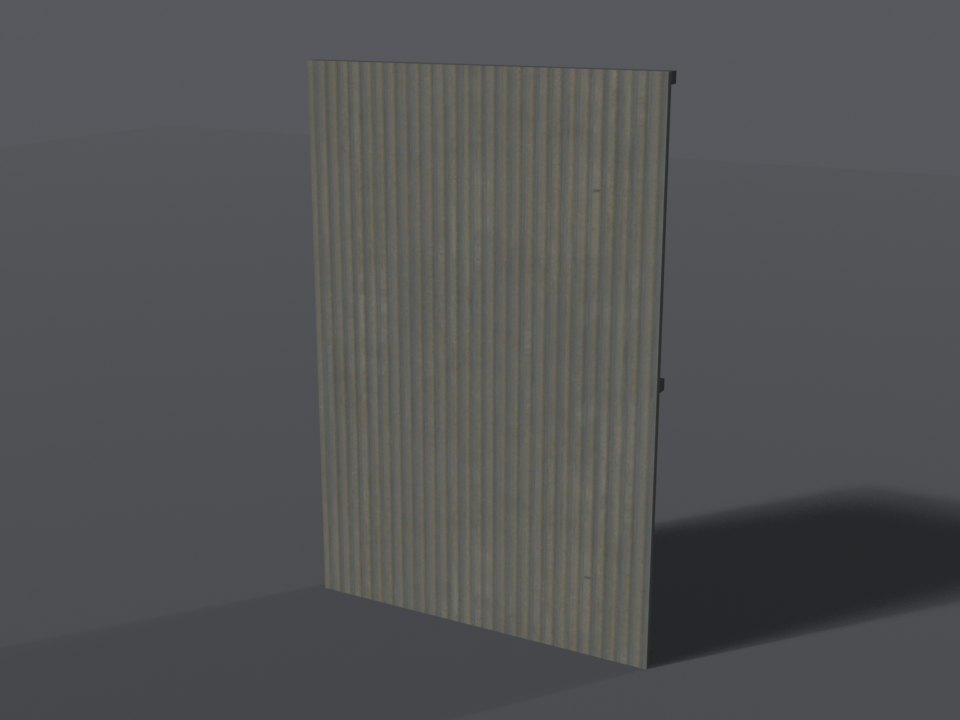
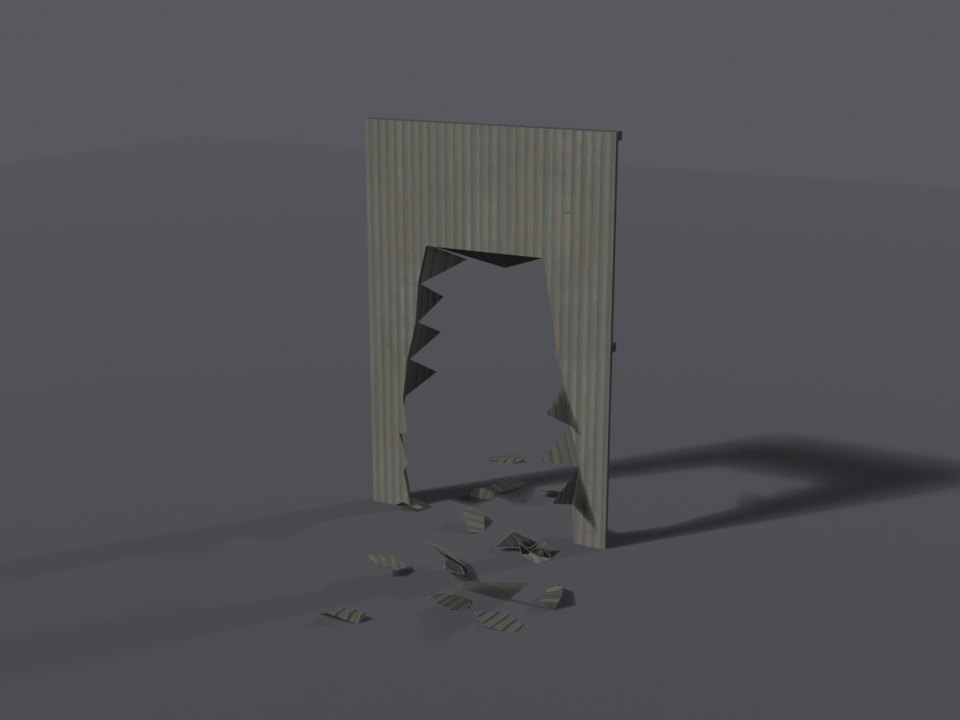
corrugated_metal - for exportsWall-kit item
wallkit_corrugated_metalBreaks into metal fragments and sparks.
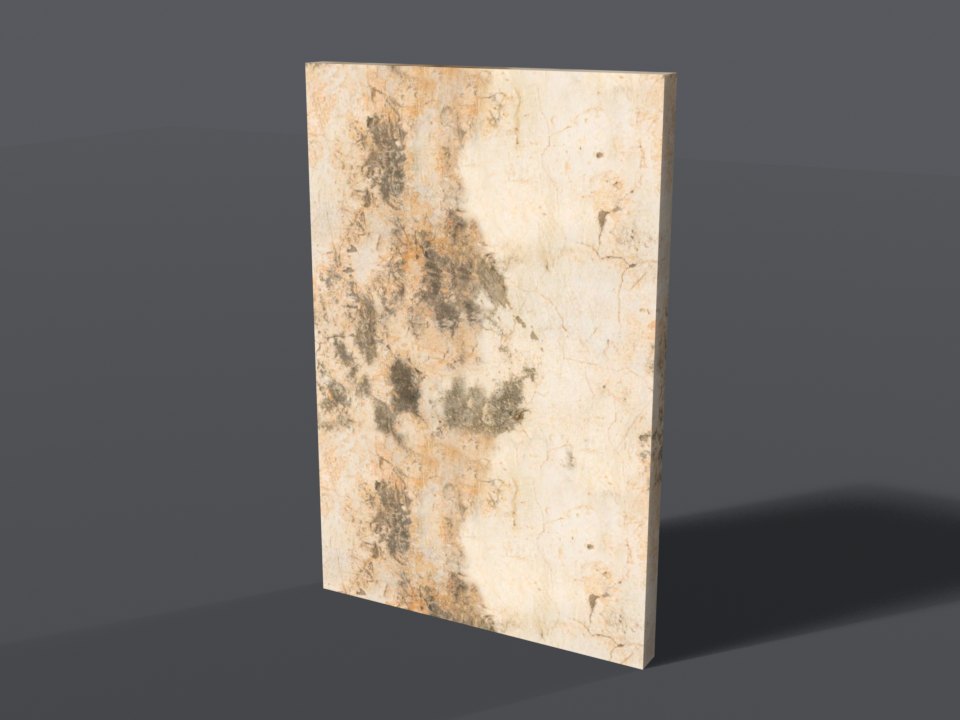
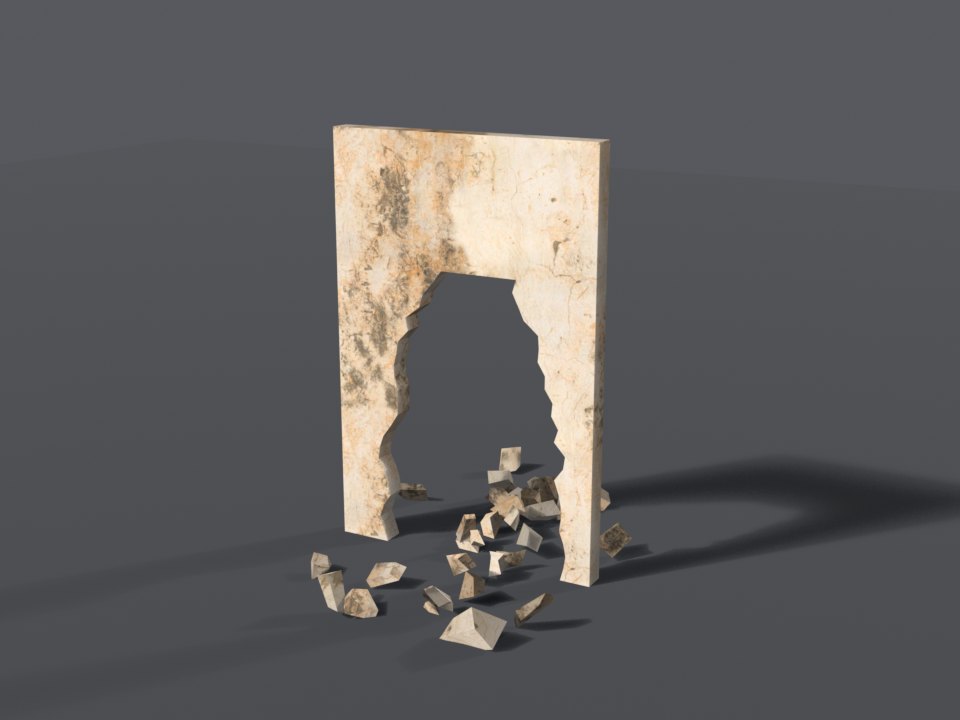
stucco_old - for exportsWall-kit item
wallkit_stucco_oldBreaks into plaster dust. Paintable: 19 colours.
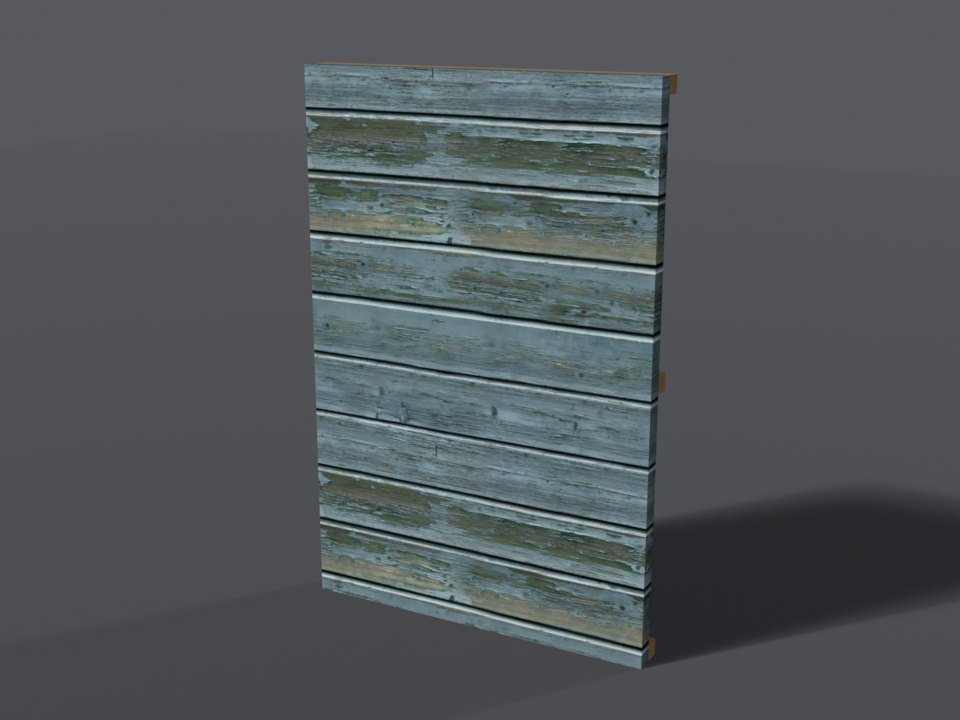
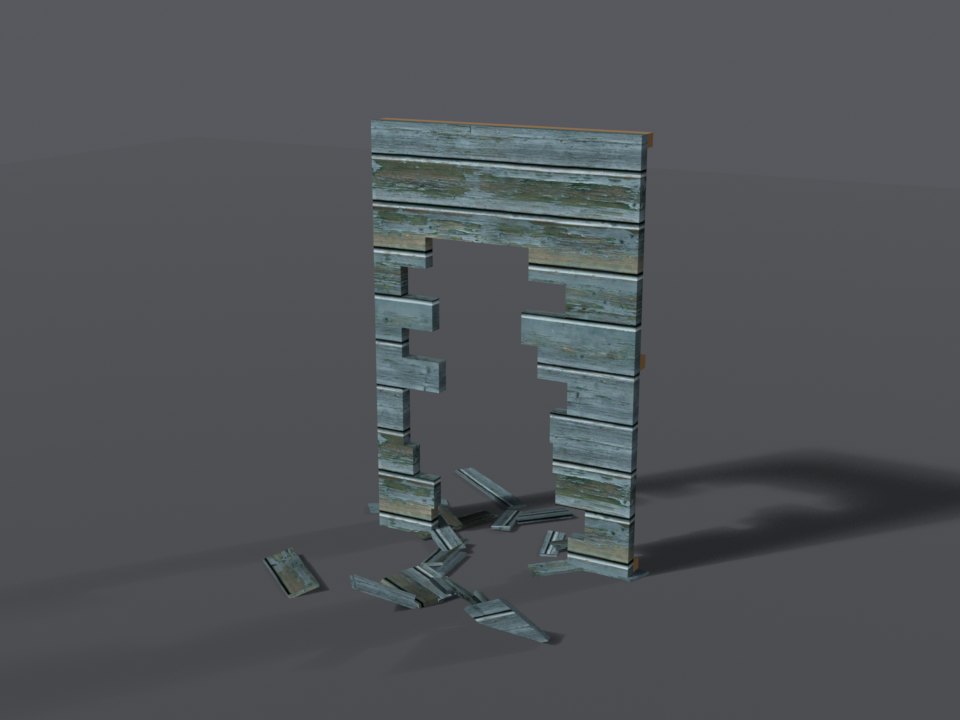
wood_painted - for exportsWall-kit item
wallkit_wood_paintedBreaks into splinters. Paintable: 21 colours.
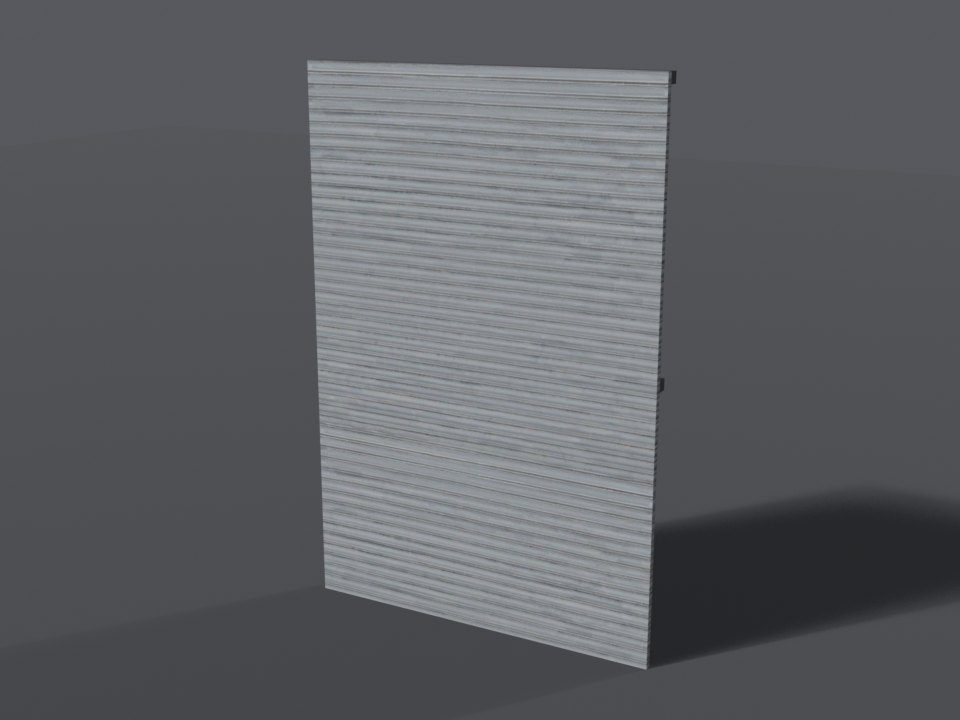
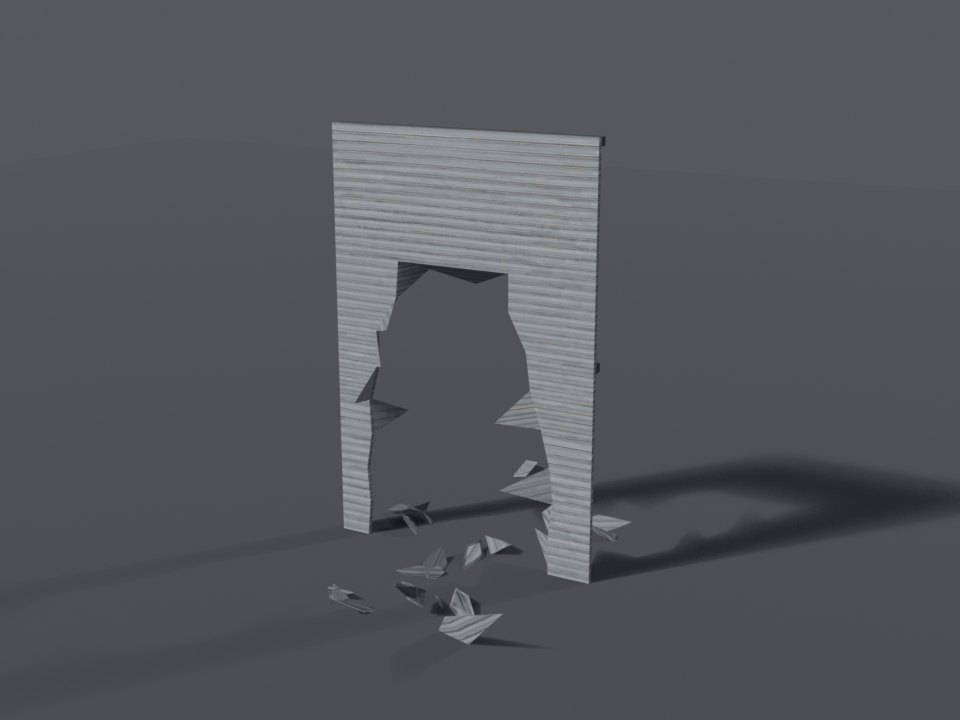
roller_shutter - for exportsWall-kit item
wallkit_roller_shutterBreaks into metal fragments and sparks. Paintable: 20 colours.
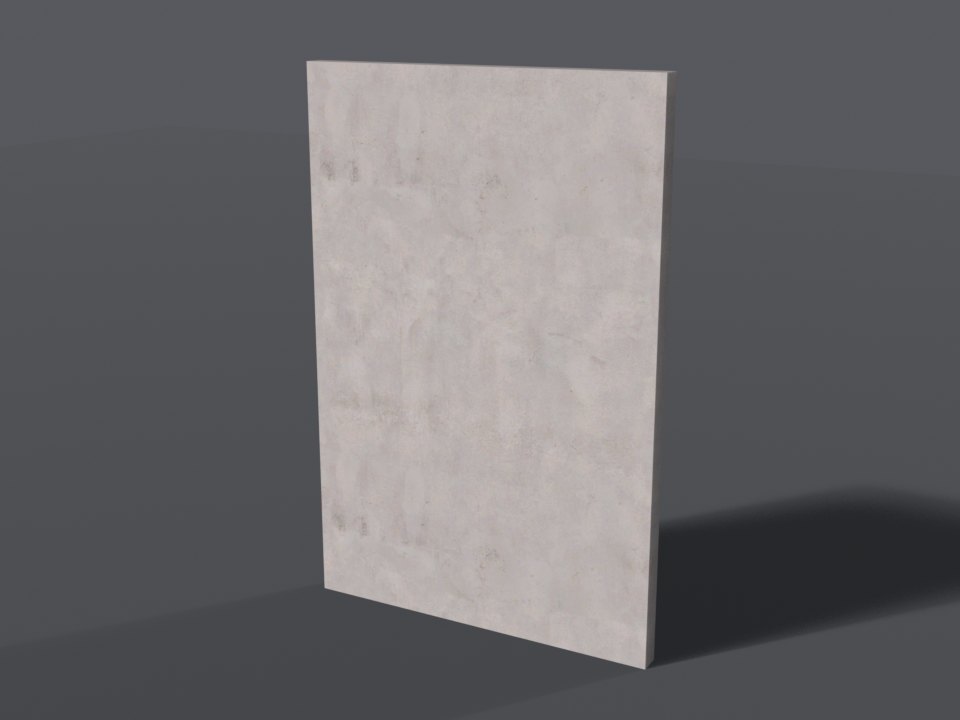
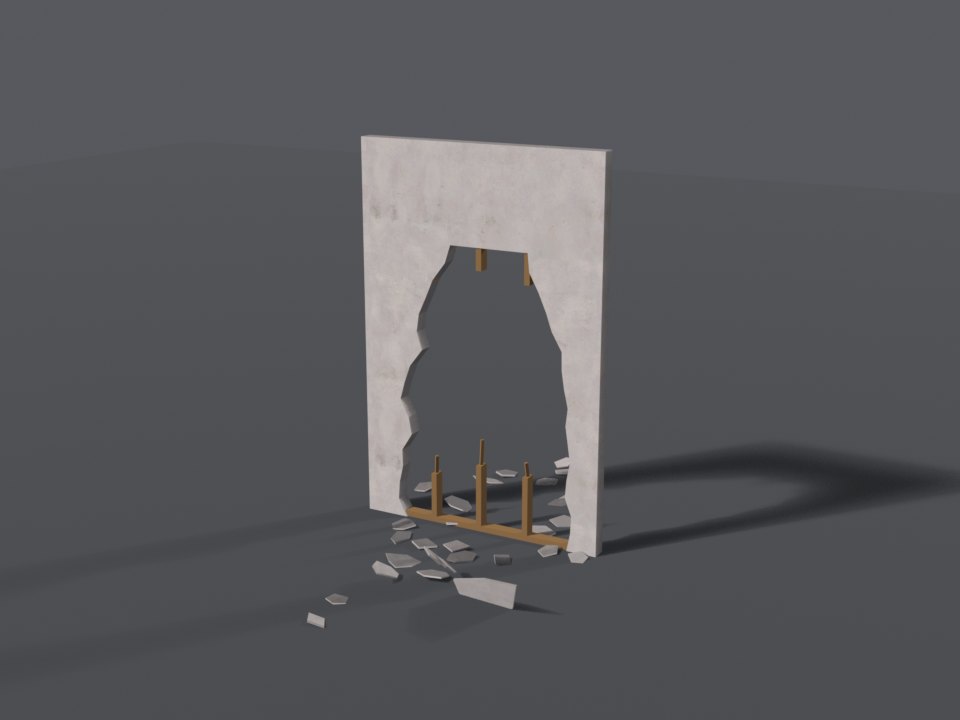
drywall - for exportsWall-kit item
wallkit_drywallBreaks into plaster dust. Paintable: 20 colours.
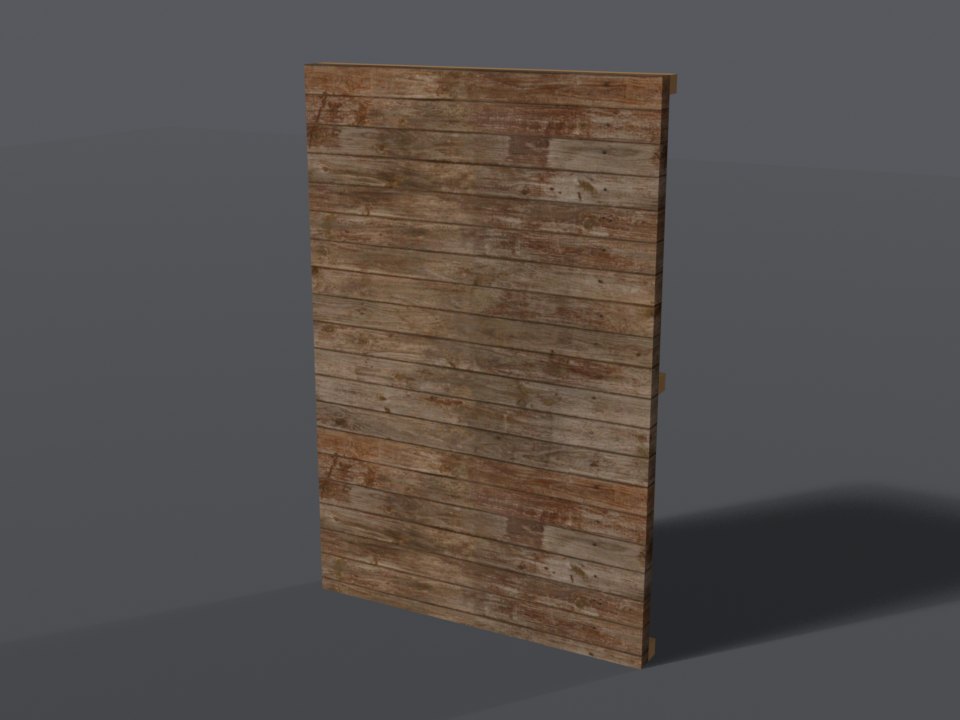
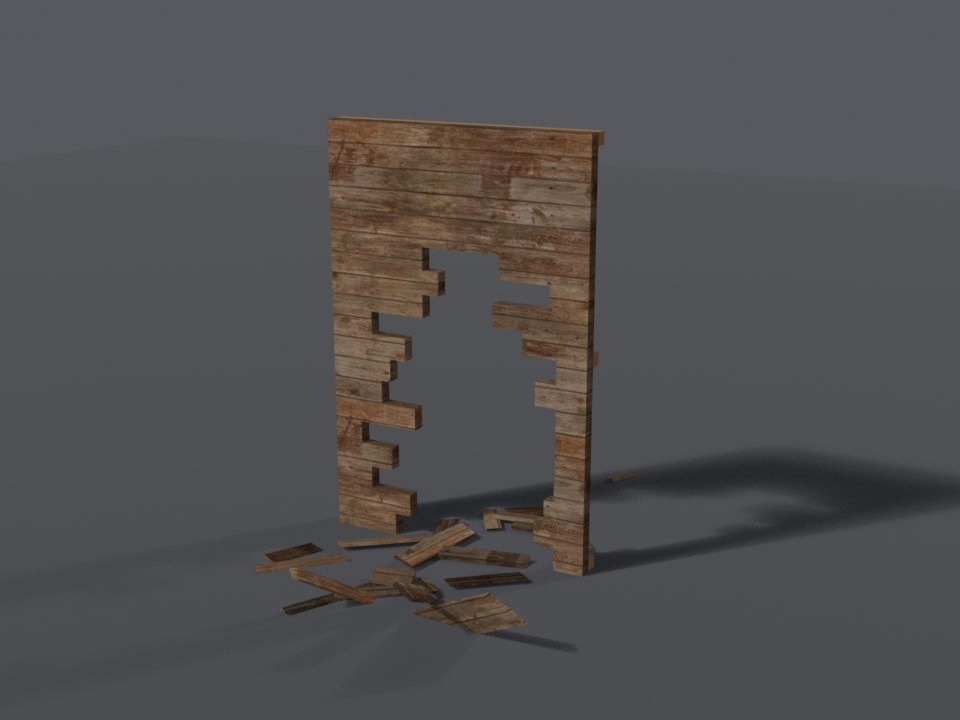
wood_planks - for exportsWall-kit item
wallkit_wood_planksBreaks into splinters.
Toughness 2 - masonry
Takes a grenade, a car, a barrel, or propane - not a bike or a firework.
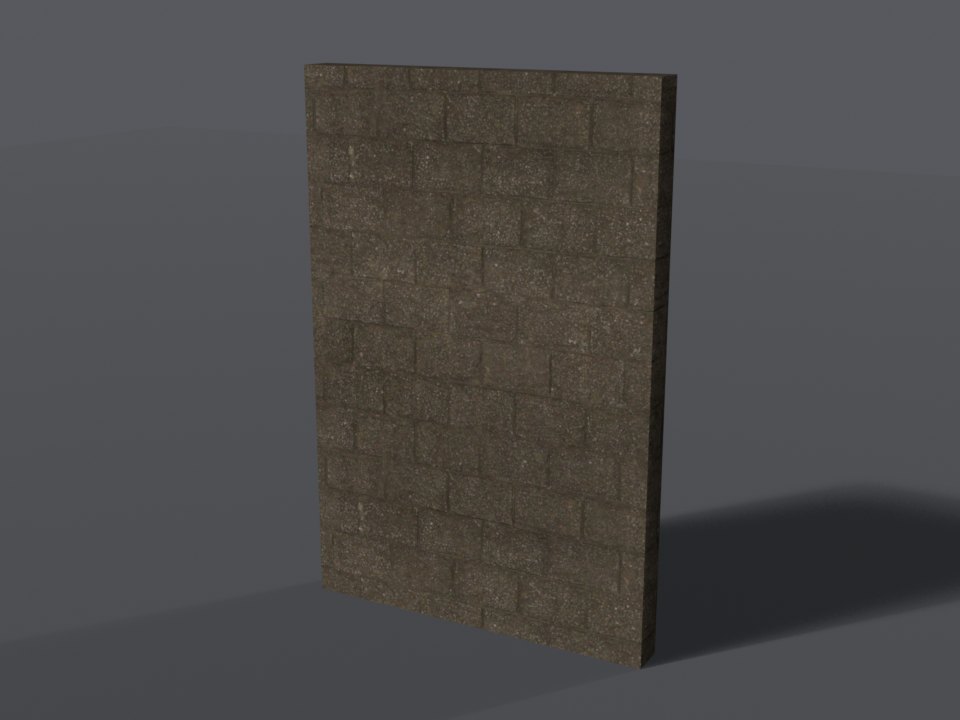
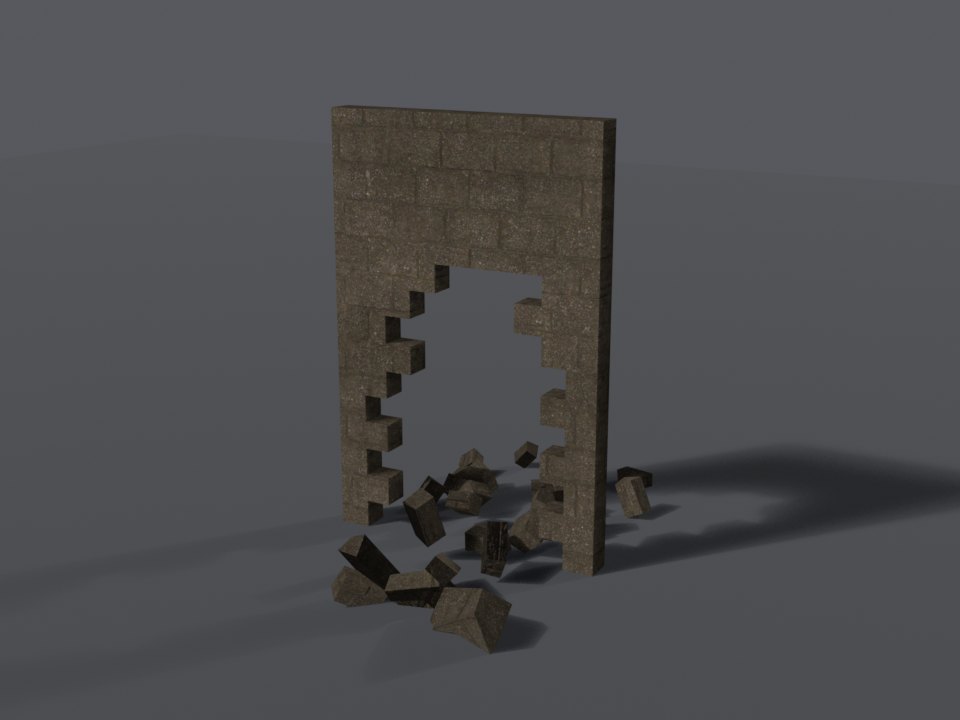
cinder_block - for exportsWall-kit item
wallkit_cinder_blockBreaks into masonry and rock. Paintable: 20 colours.
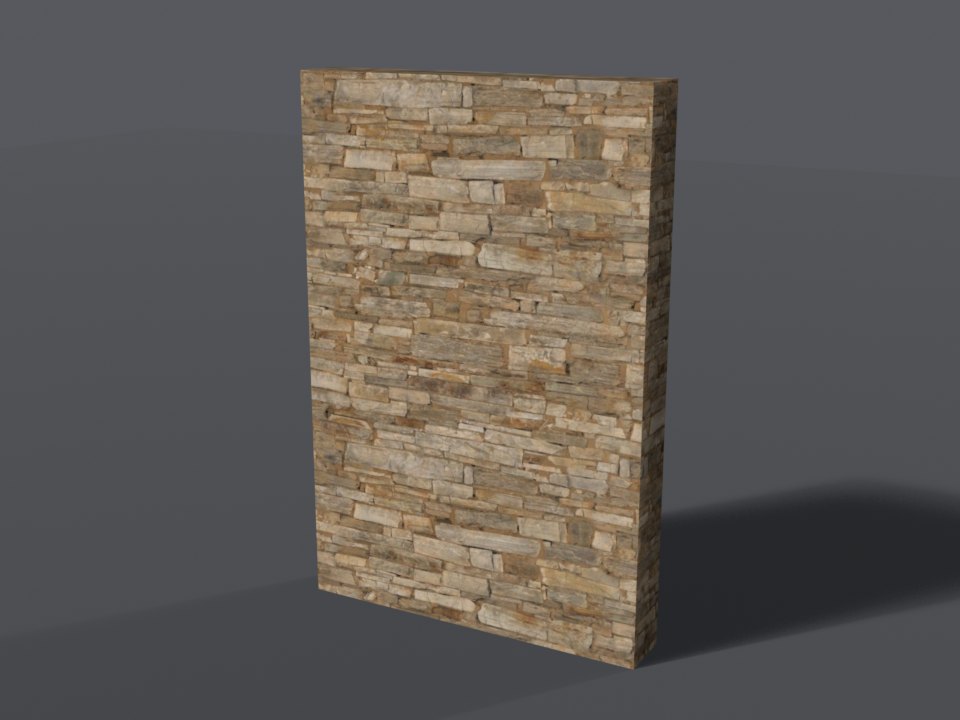
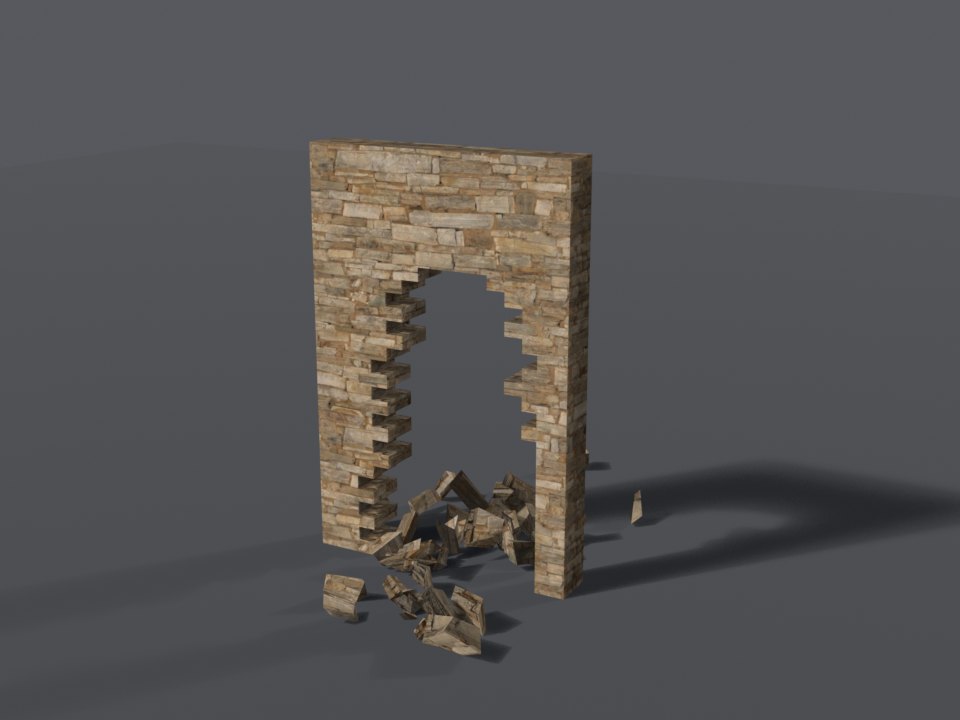
ledgestone - for exportsWall-kit item
wallkit_ledgestoneBreaks into masonry and rock.
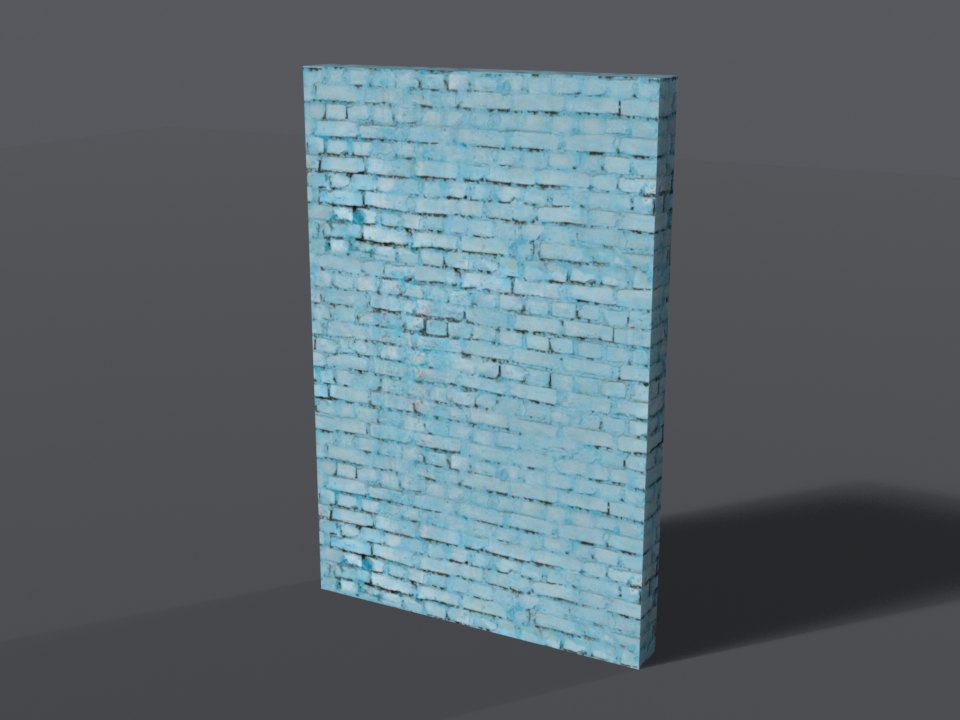
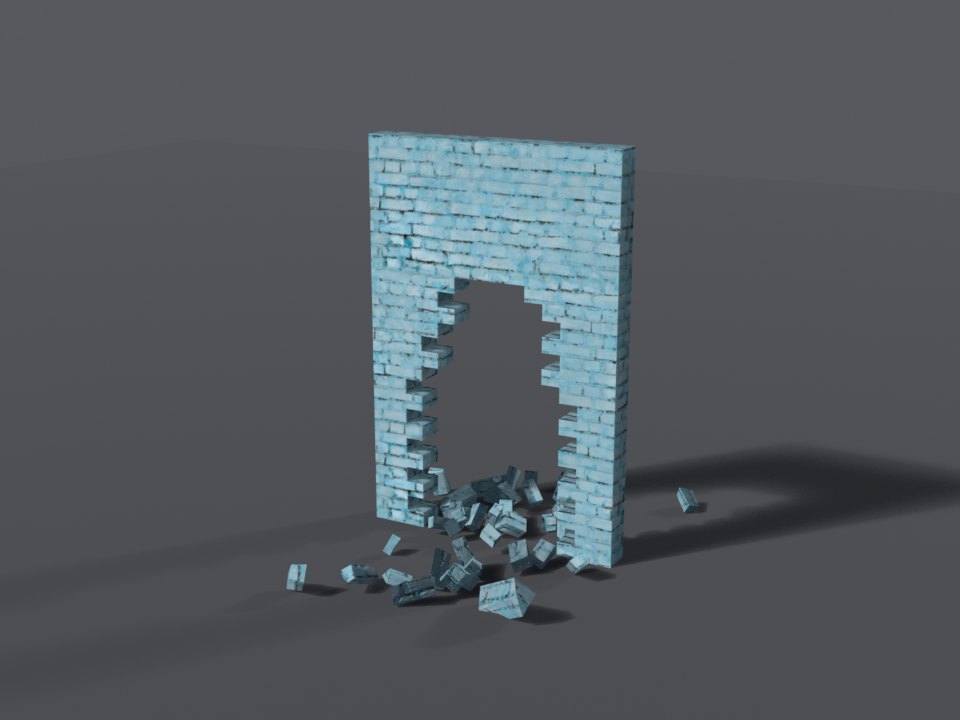
brick_painted - for exportsWall-kit item
wallkit_brick_paintedBreaks into masonry and rock. Paintable: 21 colours.
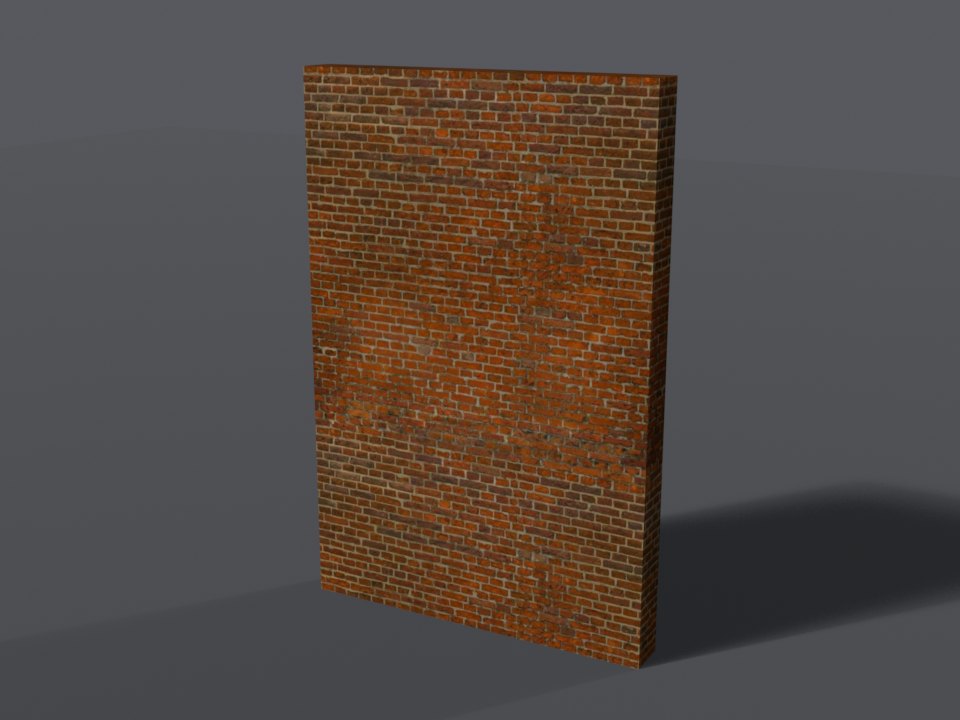
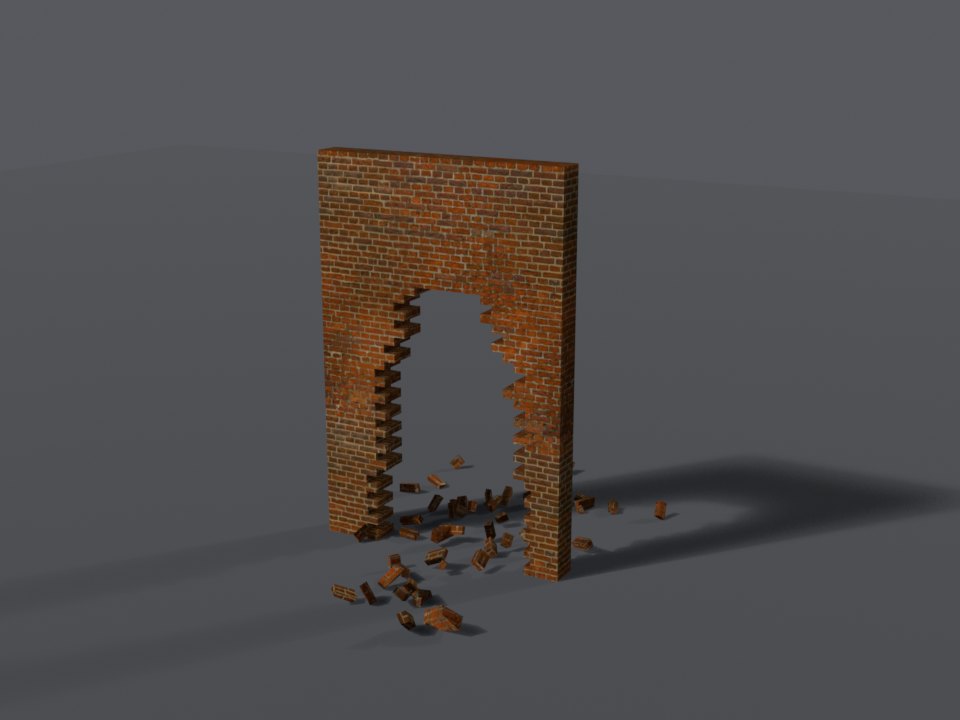
brick_red - for exportsWall-kit item
wallkit_brick_redBreaks into masonry and rock.
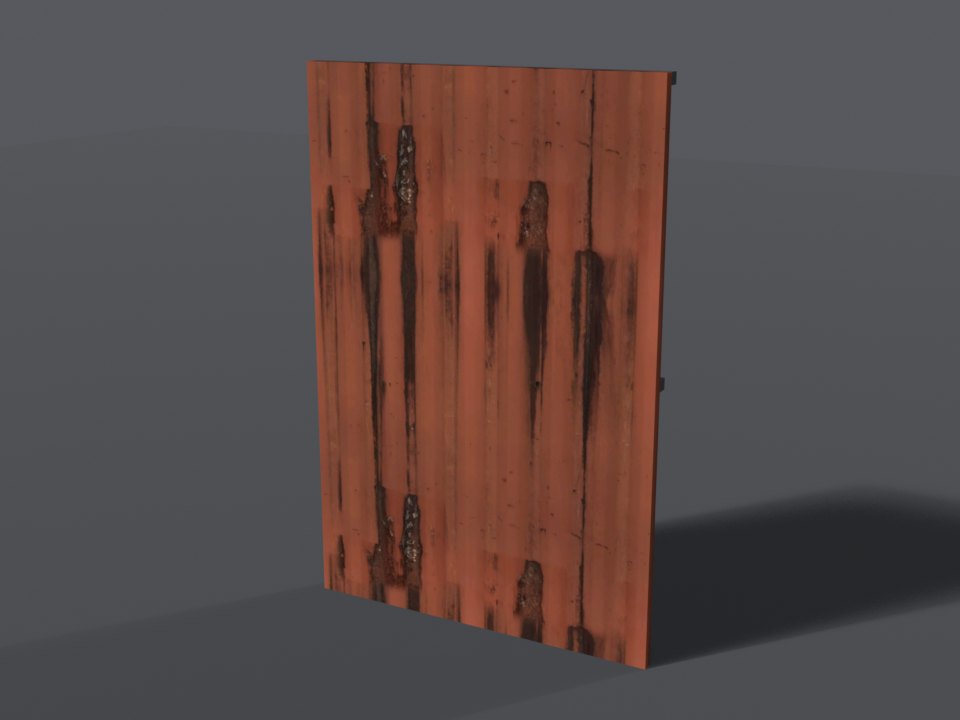
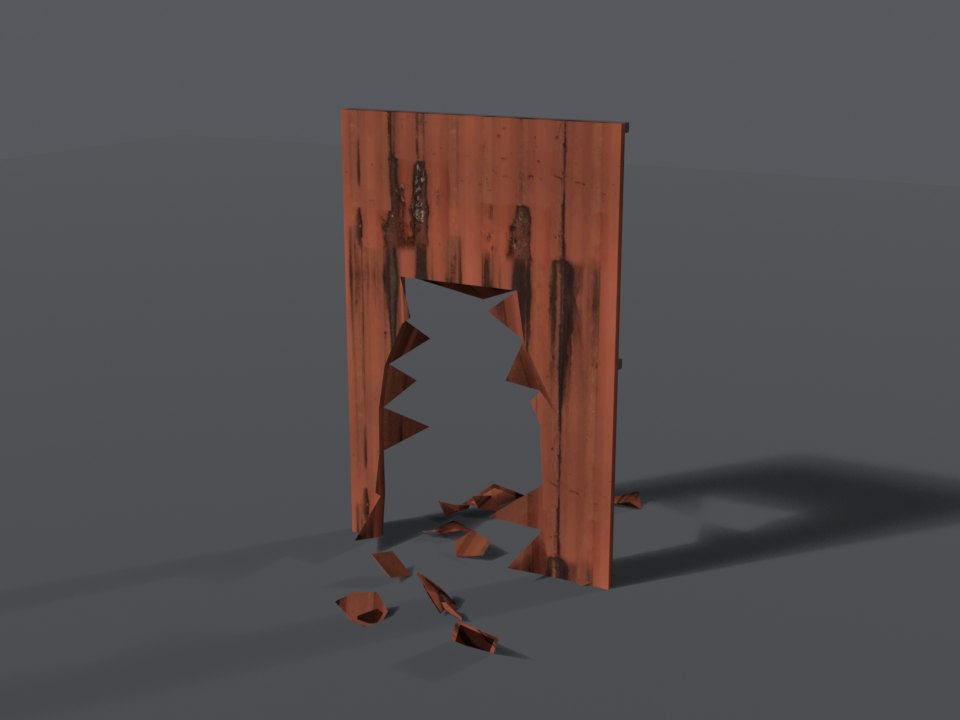
rusted_sheet - for exportsWall-kit item
wallkit_rusted_sheetBreaks into metal fragments and sparks.
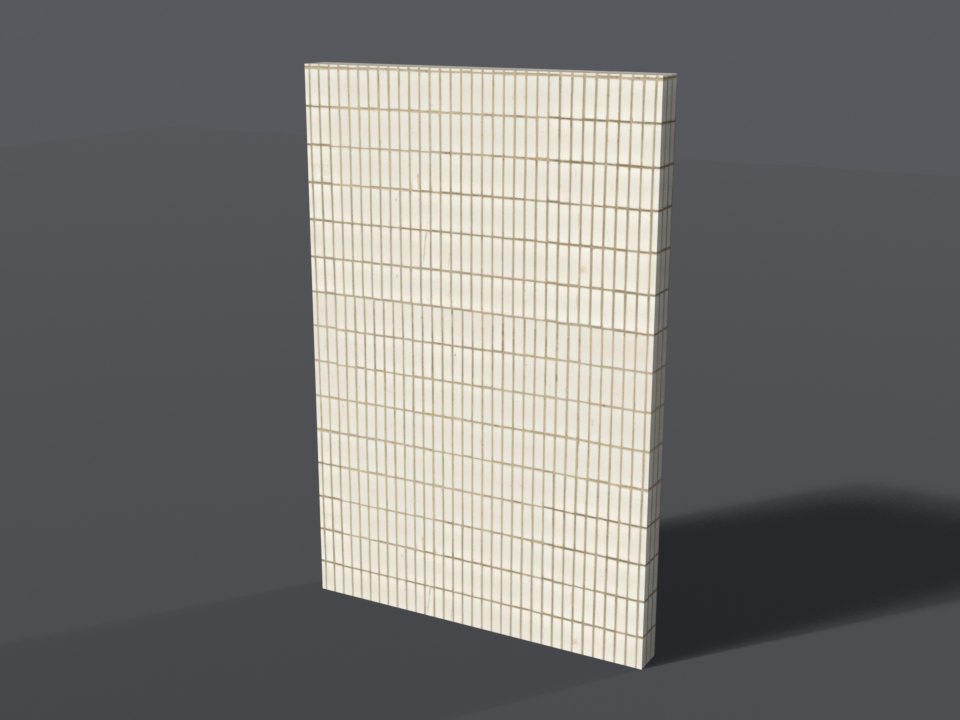
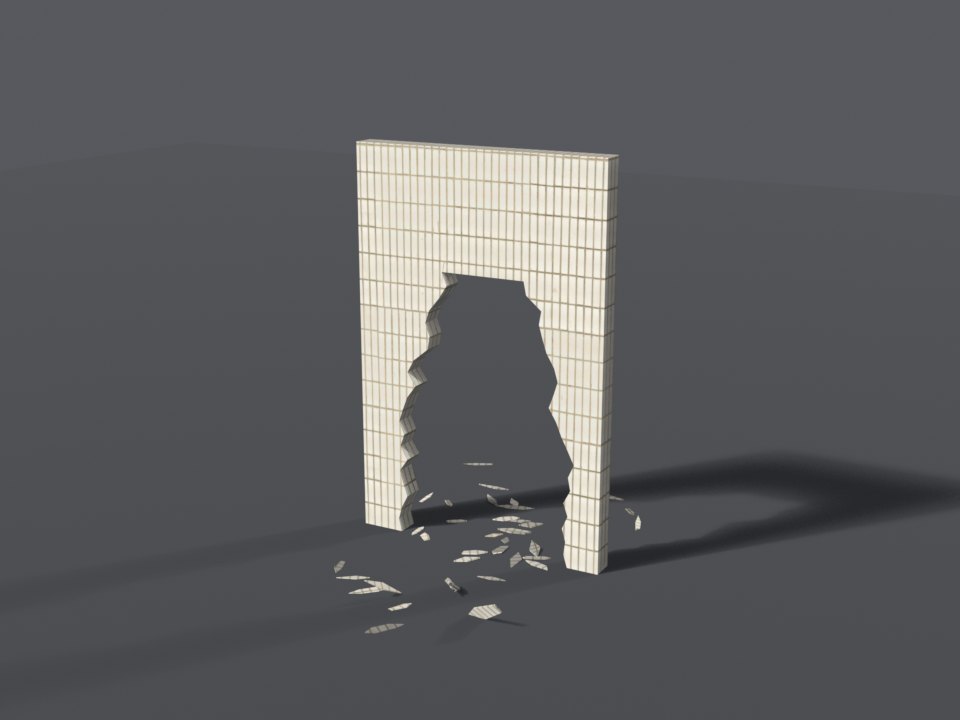
tile_white - for exportsWall-kit item
wallkit_tile_whiteBreaks into plaster dust. Paintable: 20 colours.
Toughness 3 - heavy
Takes a sticky bomb, a rocket, a truck, a proximity mine, or the railgun.
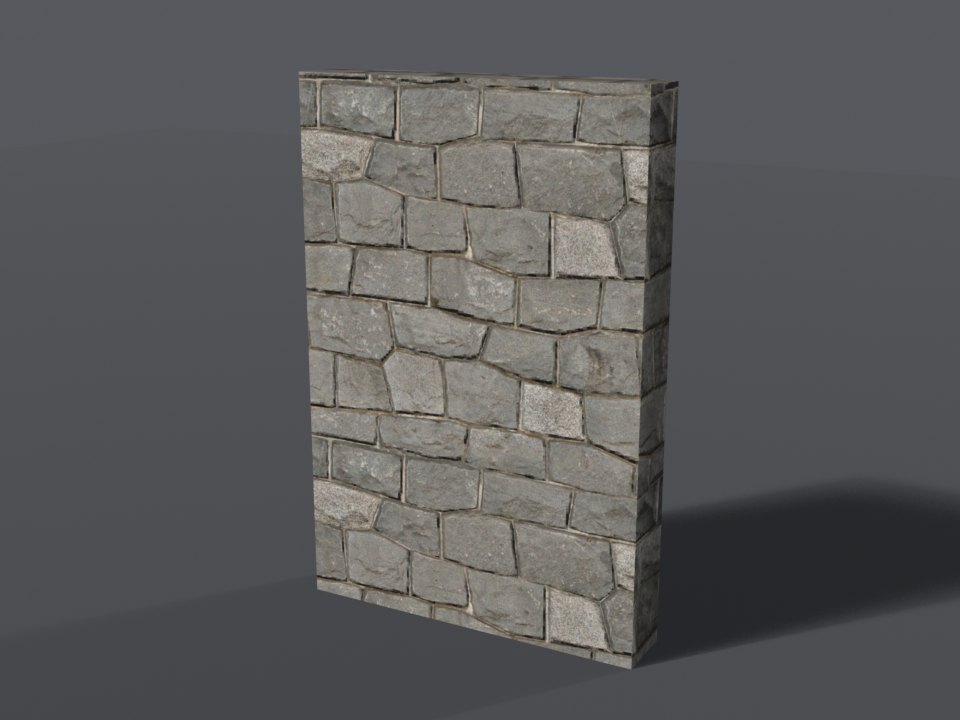
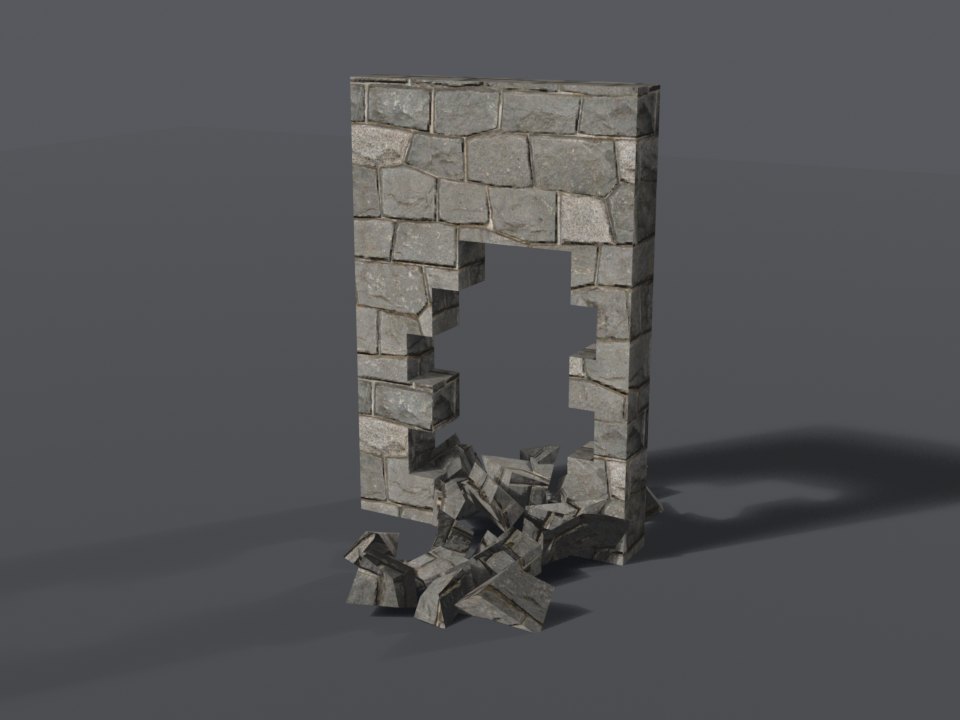
basalt_stone - for exportsWall-kit item
wallkit_basalt_stoneBreaks into masonry and rock.
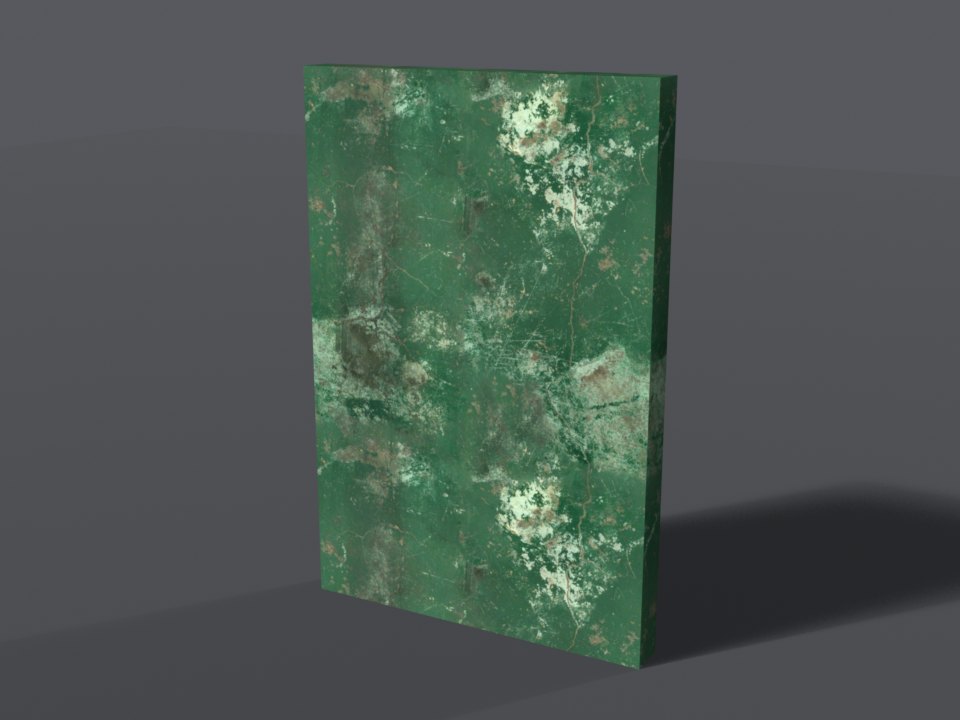
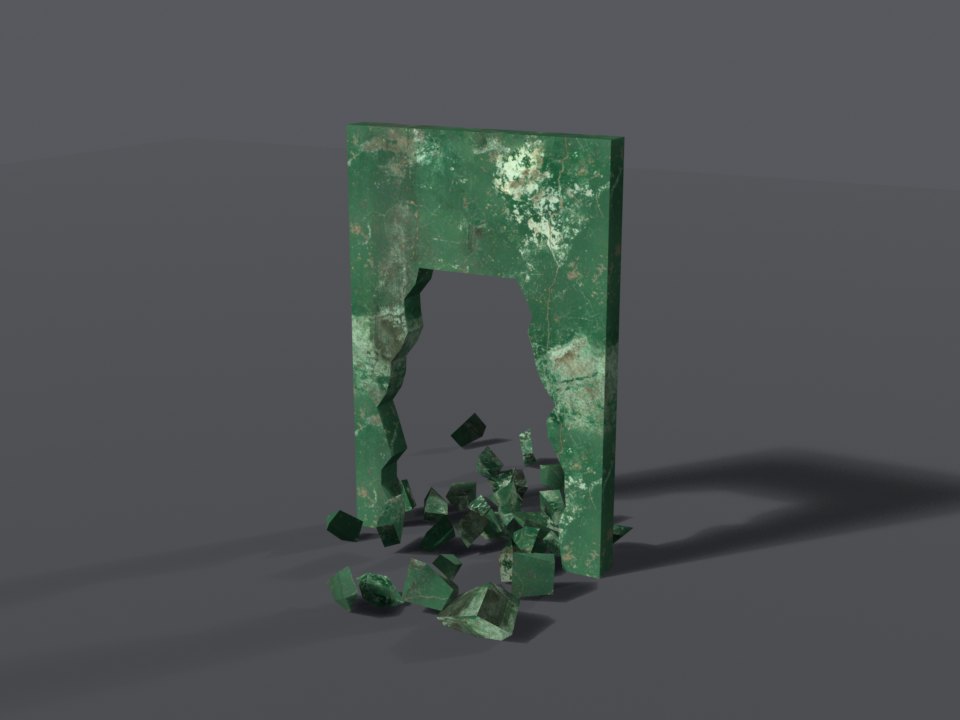
concrete_painted - for exportsWall-kit item
wallkit_concrete_paintedBreaks into masonry and rock. Paintable: 20 colours.
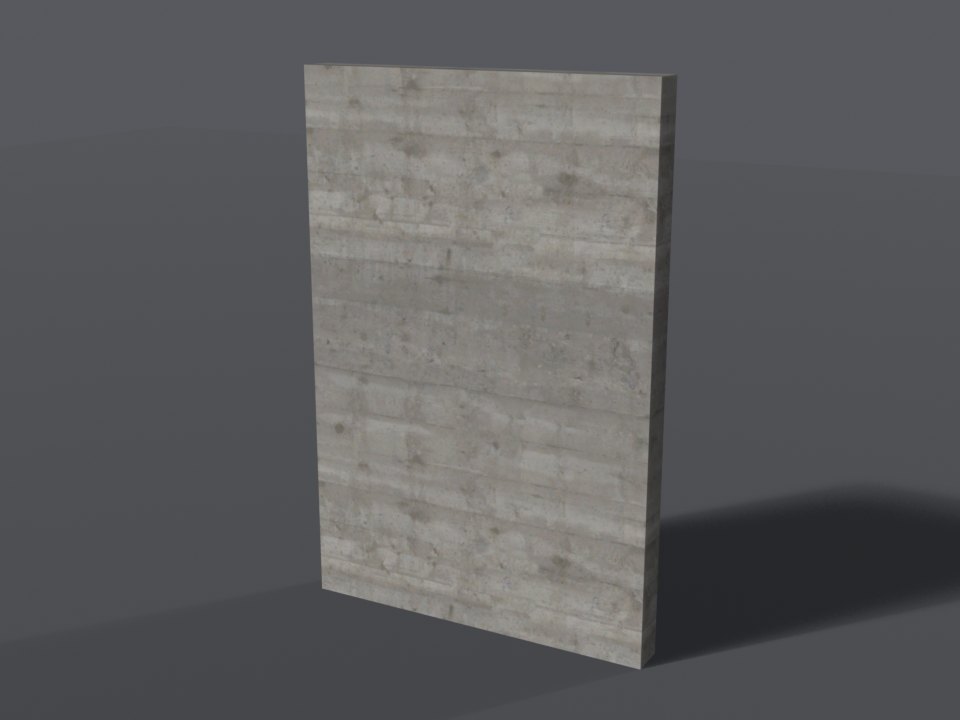
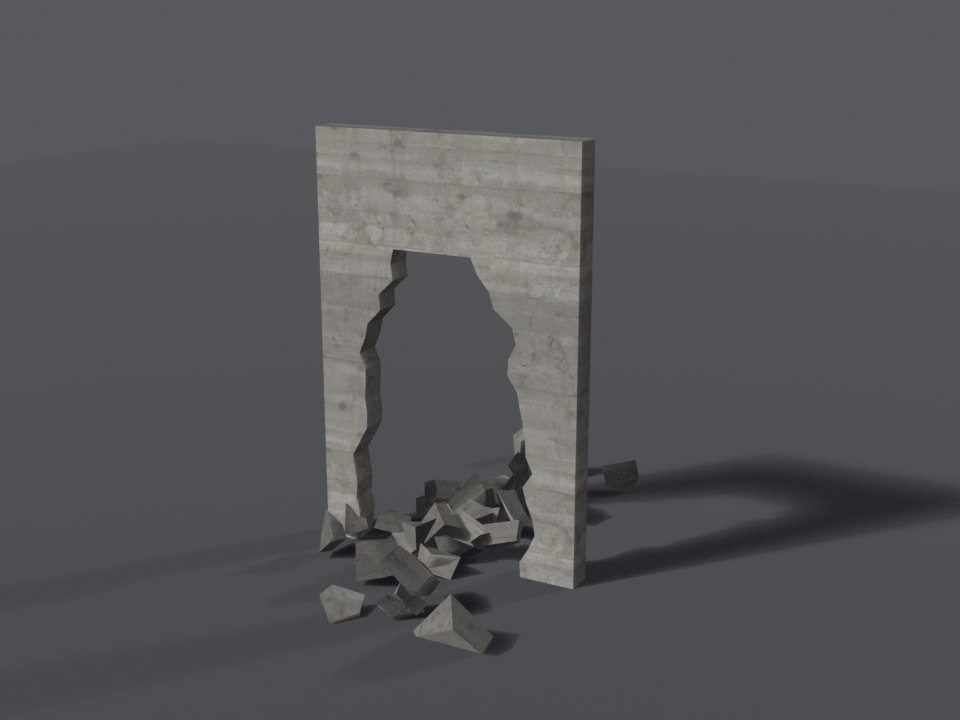
concrete - for exportsWall-kit item
wallkit_concreteBreaks into masonry and rock.
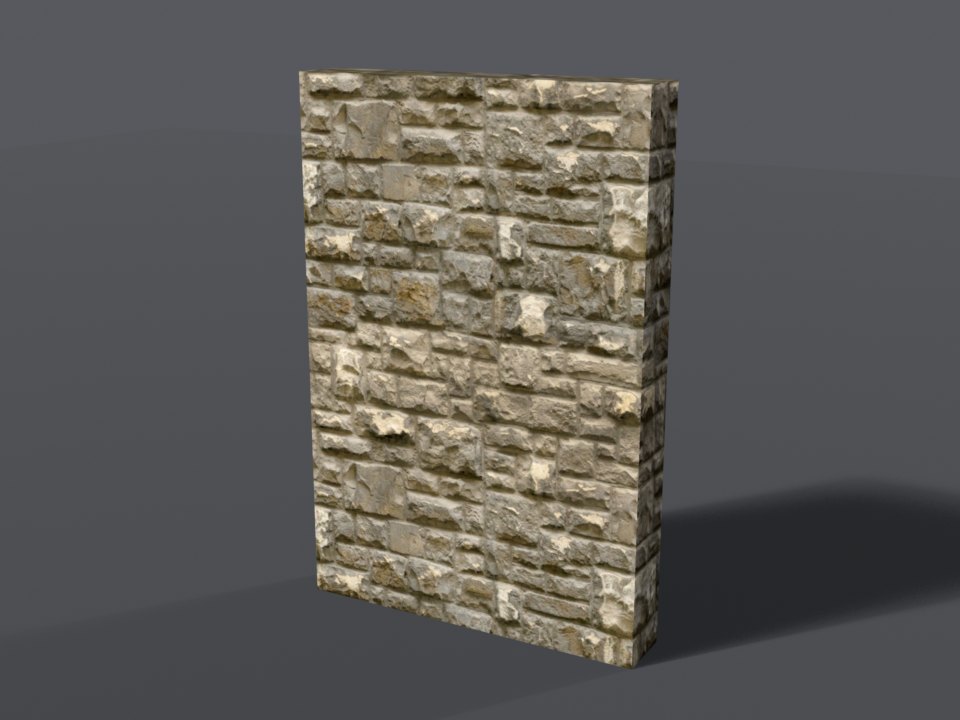
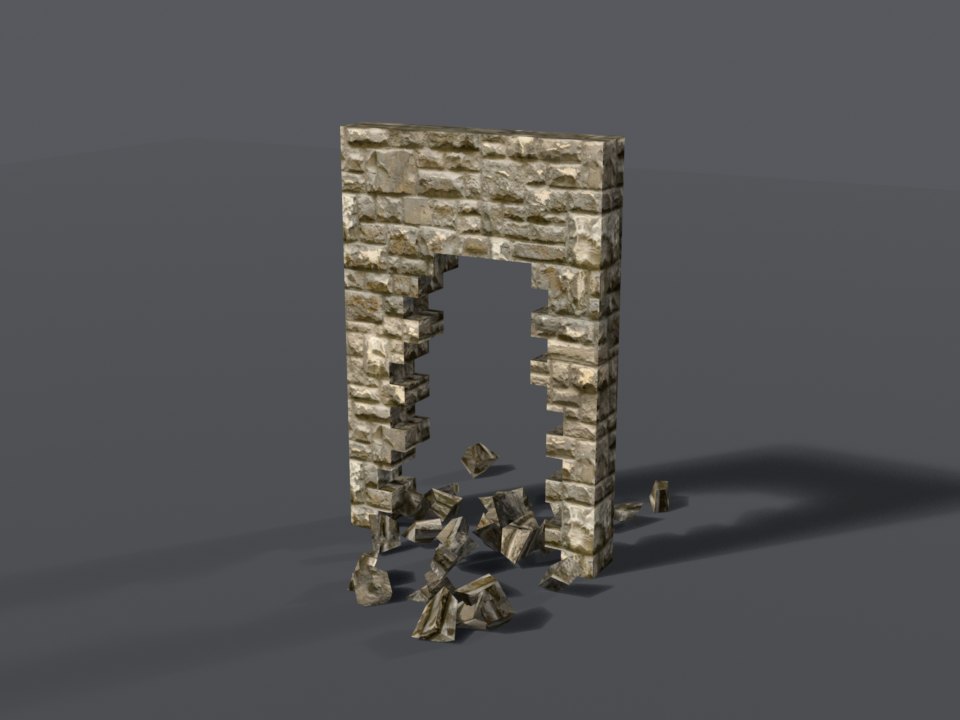
stone_block - for exportsWall-kit item
wallkit_stone_blockBreaks into masonry and rock.
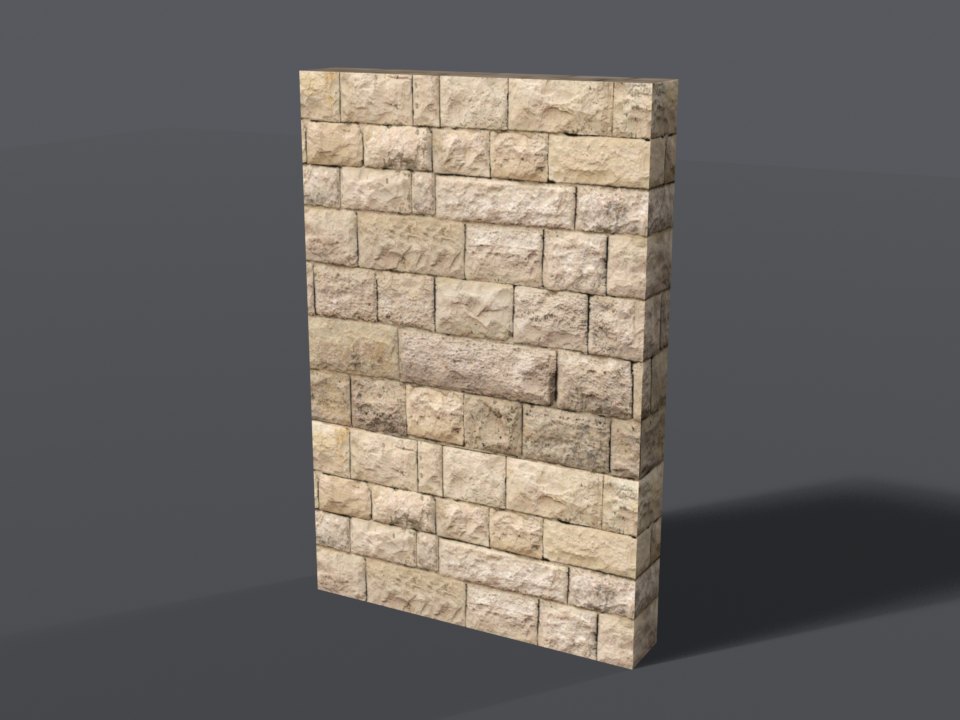
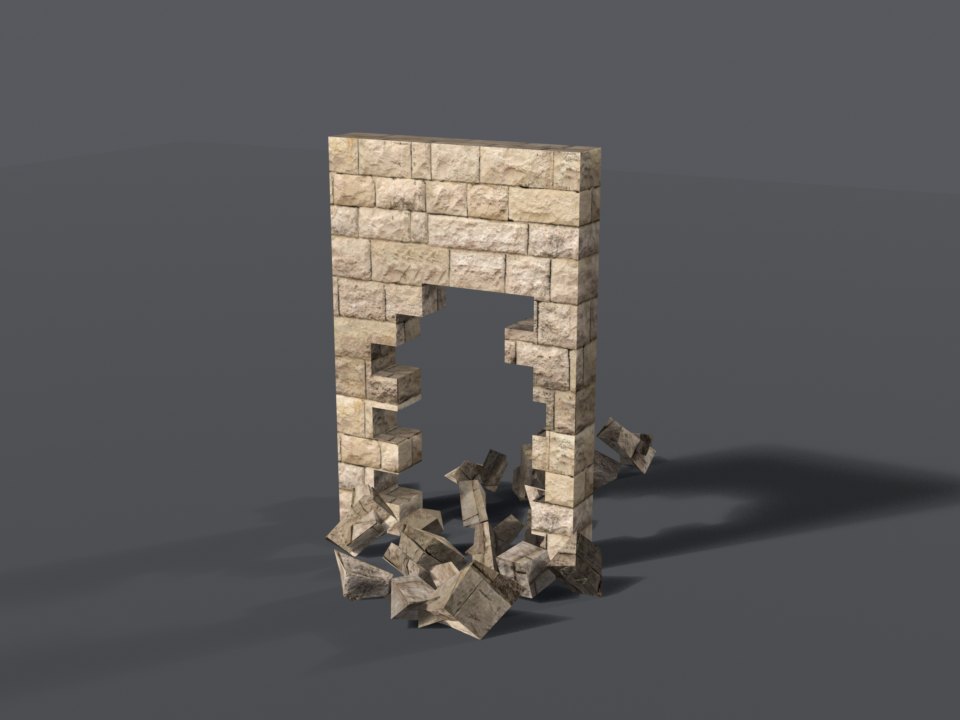
sandstone - for exportsWall-kit item
wallkit_sandstoneBreaks into masonry and rock.
Toughness 4 - fortified
Only a tank shell, a plane rocket, the Valkyrie cannon - or a well-packed bomb.
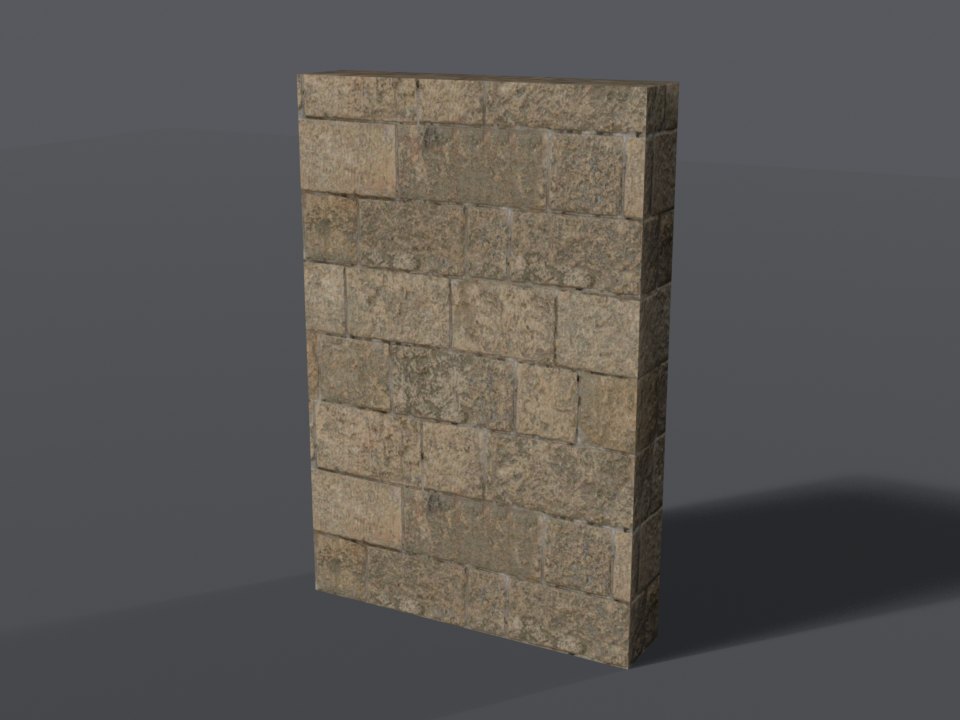
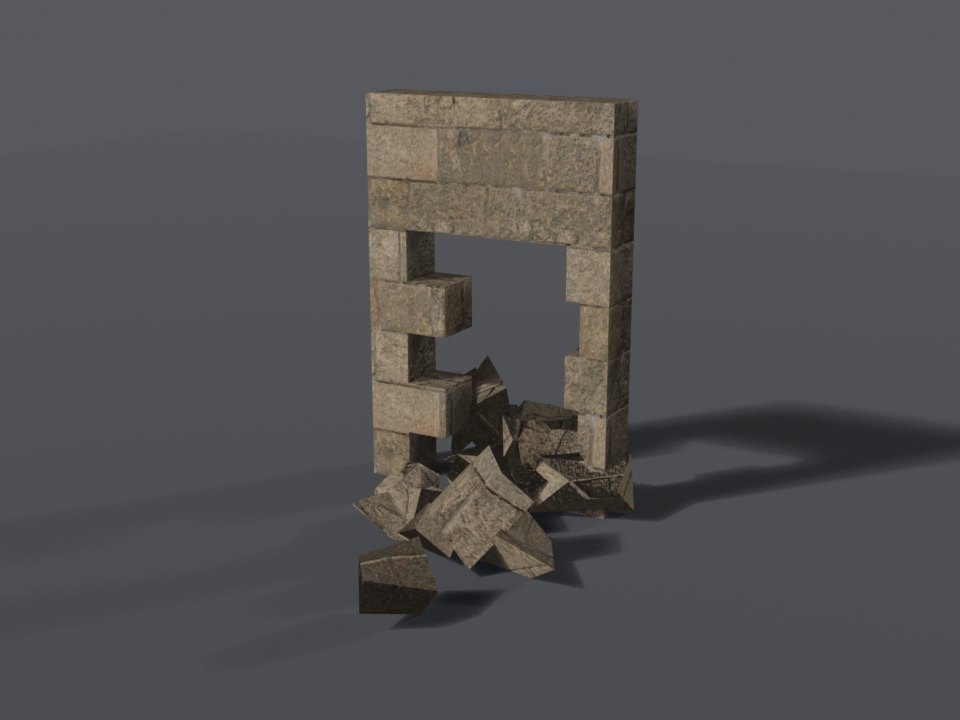
castle_stone - for exportsWall-kit item
wallkit_castle_stoneBreaks into masonry and rock.
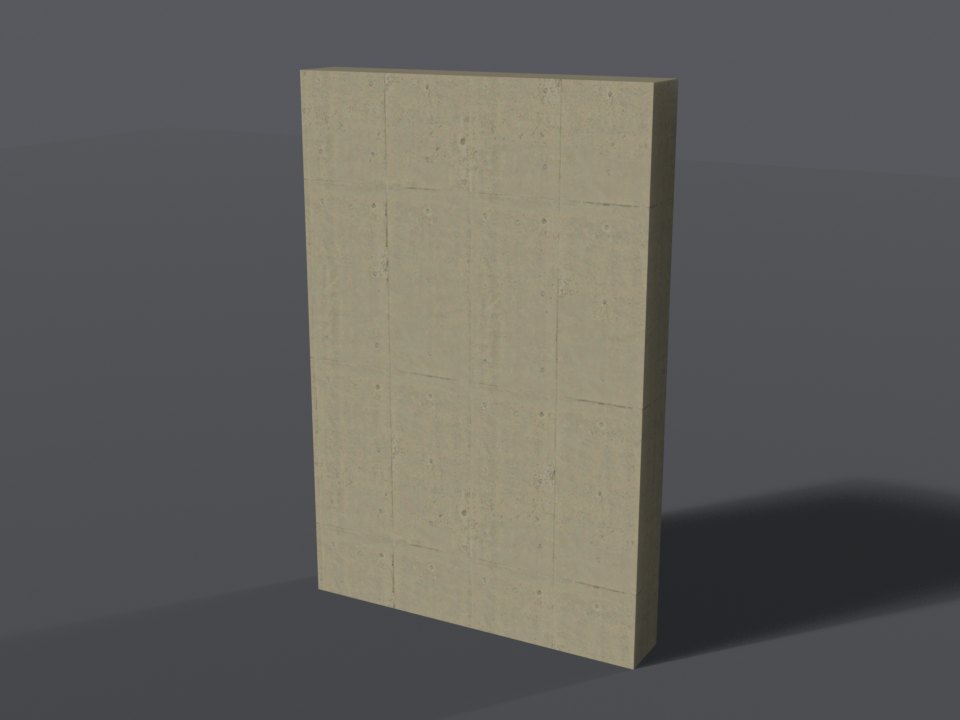
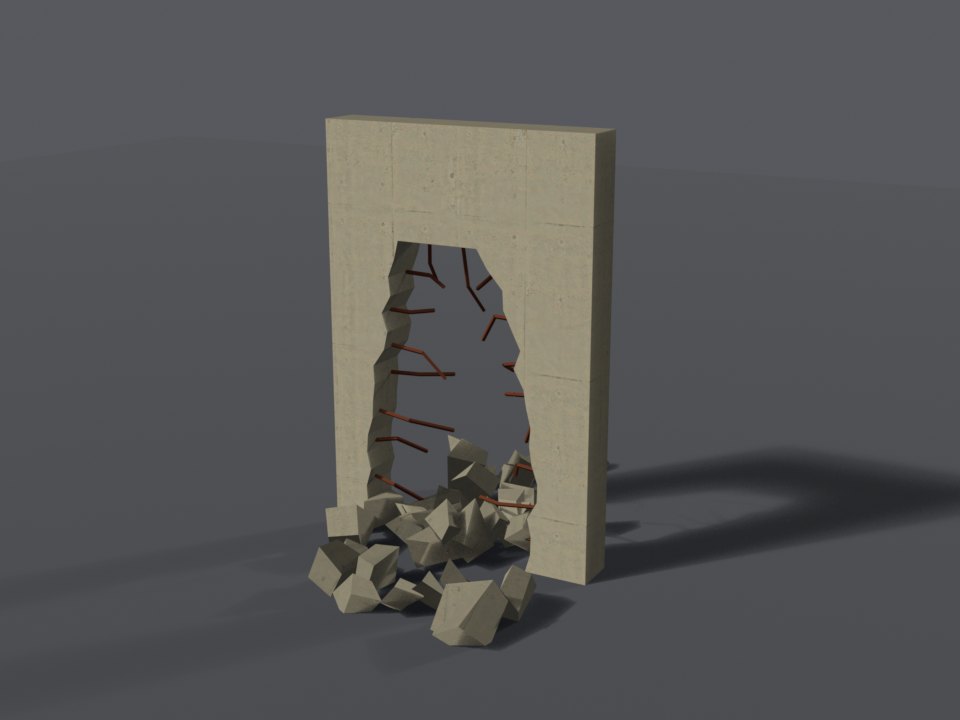
concrete_reinforced - for exportsWall-kit item
wallkit_concrete_reinforcedBreaks into masonry and rock.
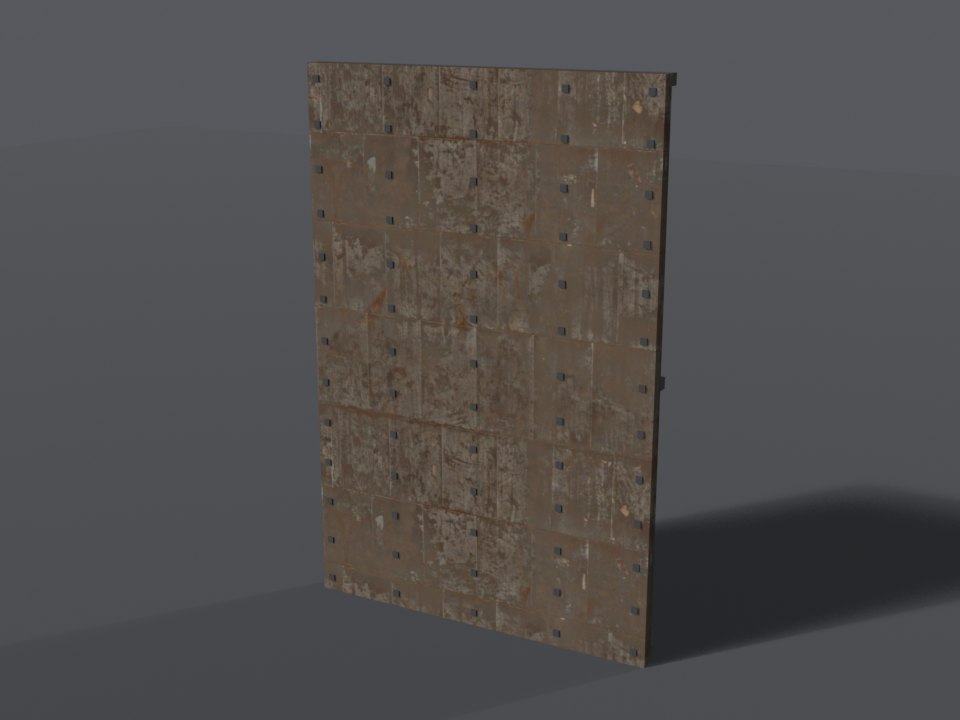
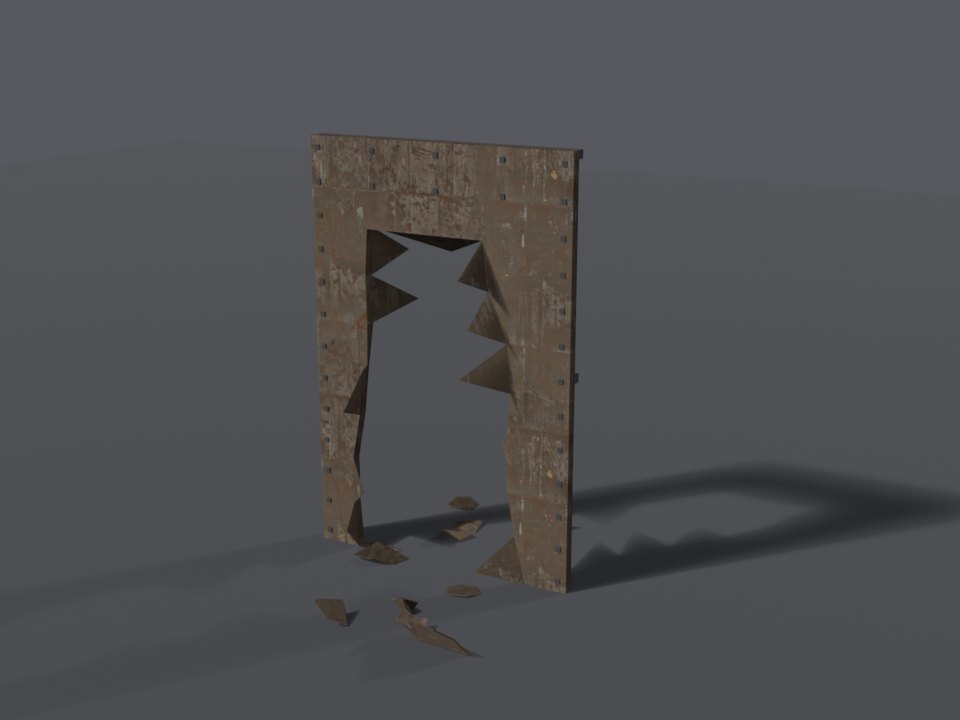
steel_plate - for exportsWall-kit item
wallkit_steel_plateBreaks into metal fragments and sparks.
Paint Colours
Painted styles come in any of these colours, picked when the wall is placed (the panel shows a swatch for each) or later with Repaint. A style lists the colours it was built in - see Colors in configs/shared/walls.lua.
whiteCream creamSand sandMustard yellow yellowPeach peachTerracotta terracottaBarn red redBurgundy burgundyDusty pink pinkLilac lilacNavy navyDusty blue blueTeal tealMint mintSage green sageBottle green greenOlive oliveGrey greyCharcoal charcoalBlack blackBrown brownHole Shapes
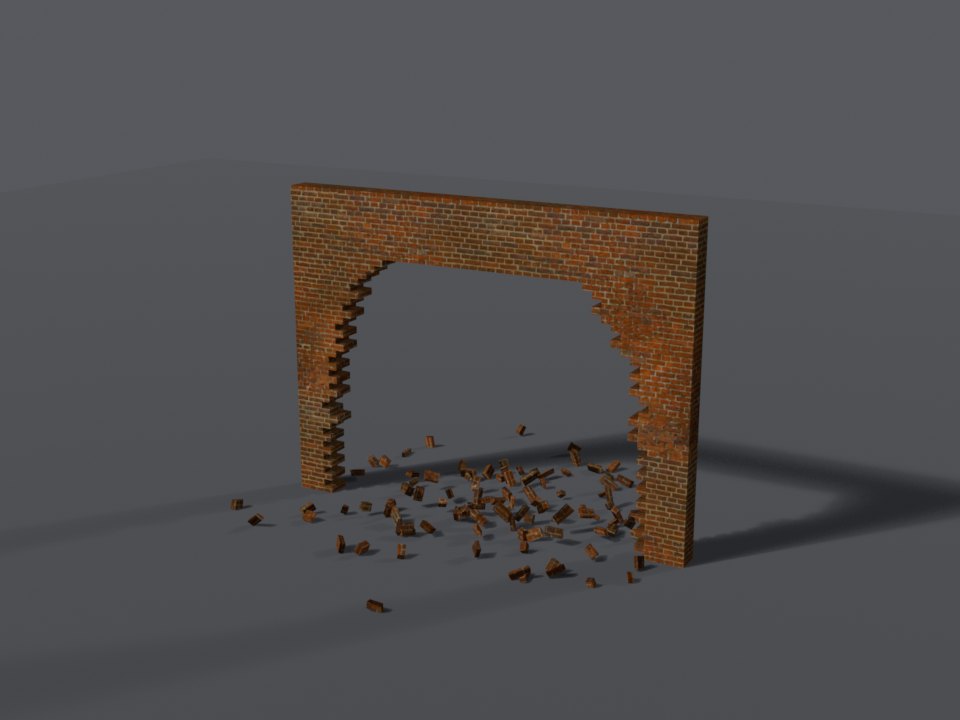
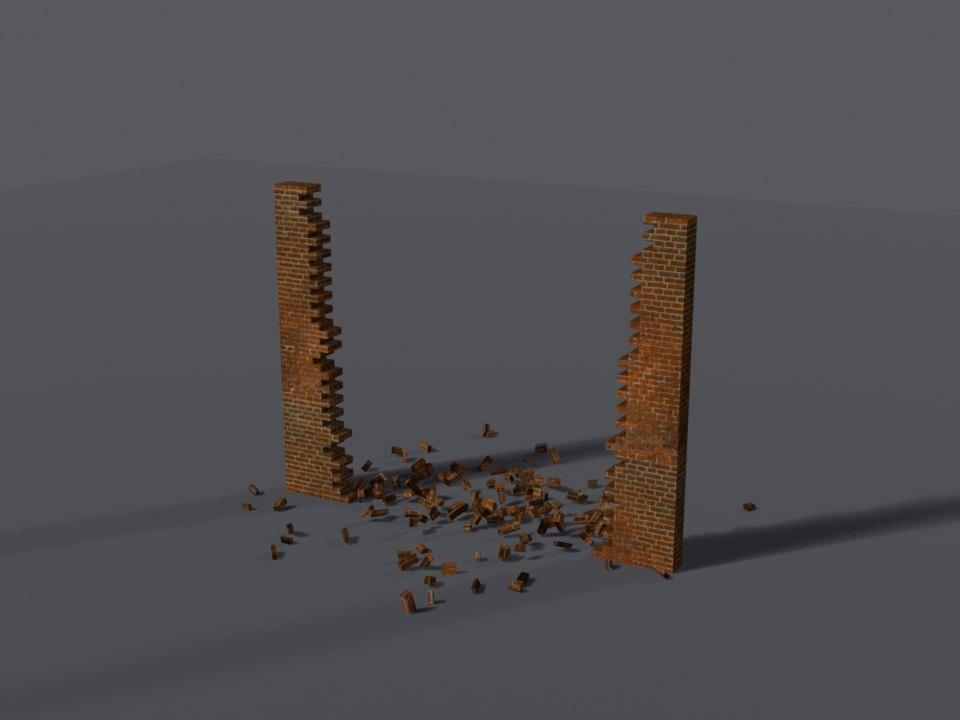
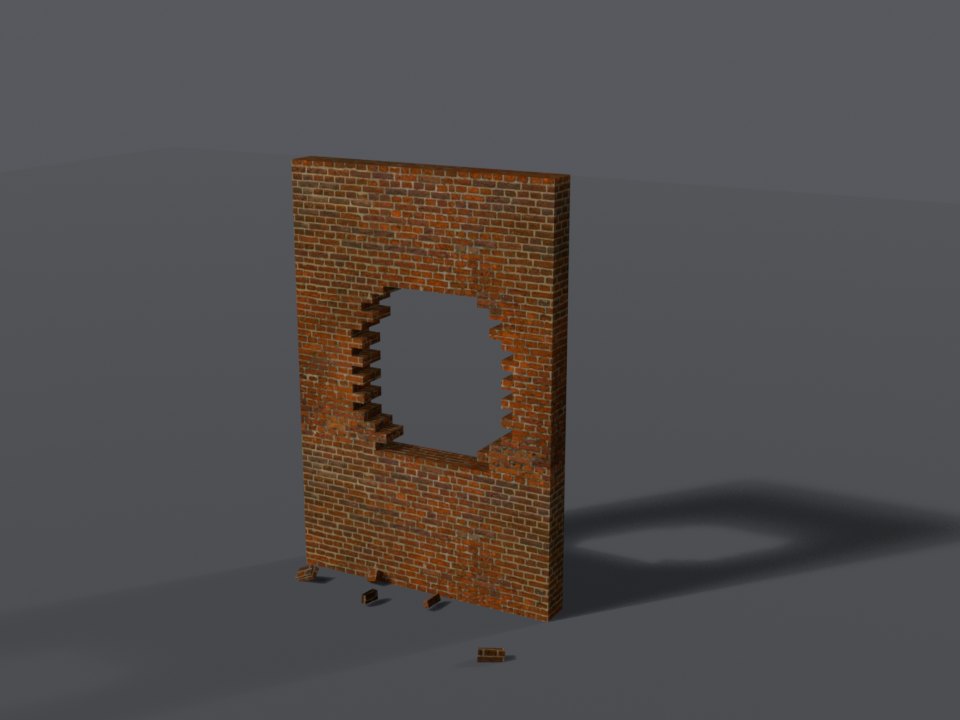
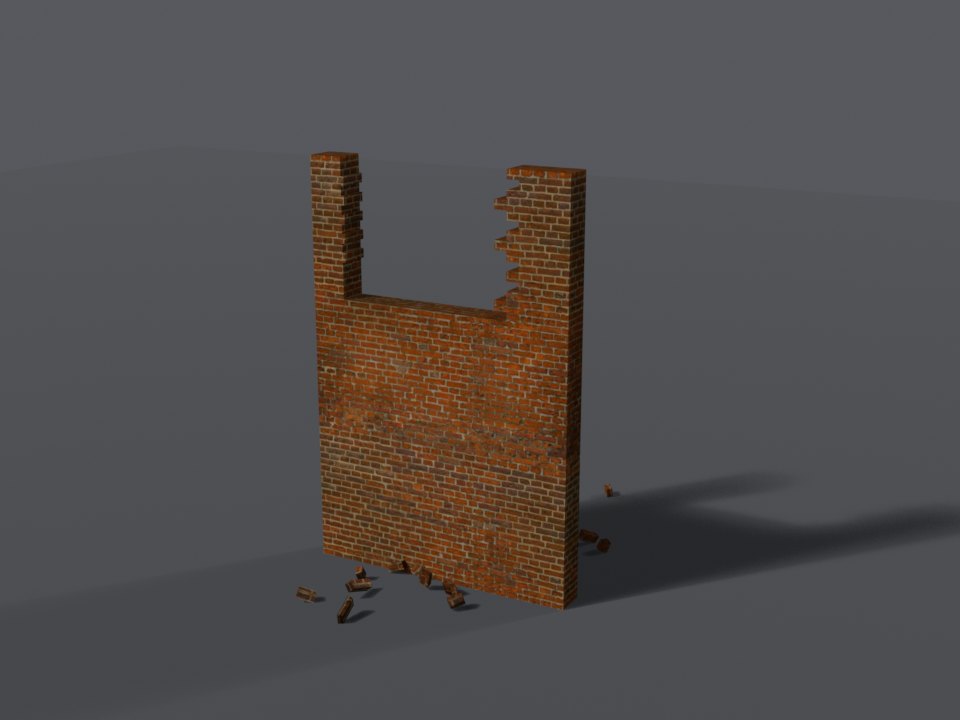
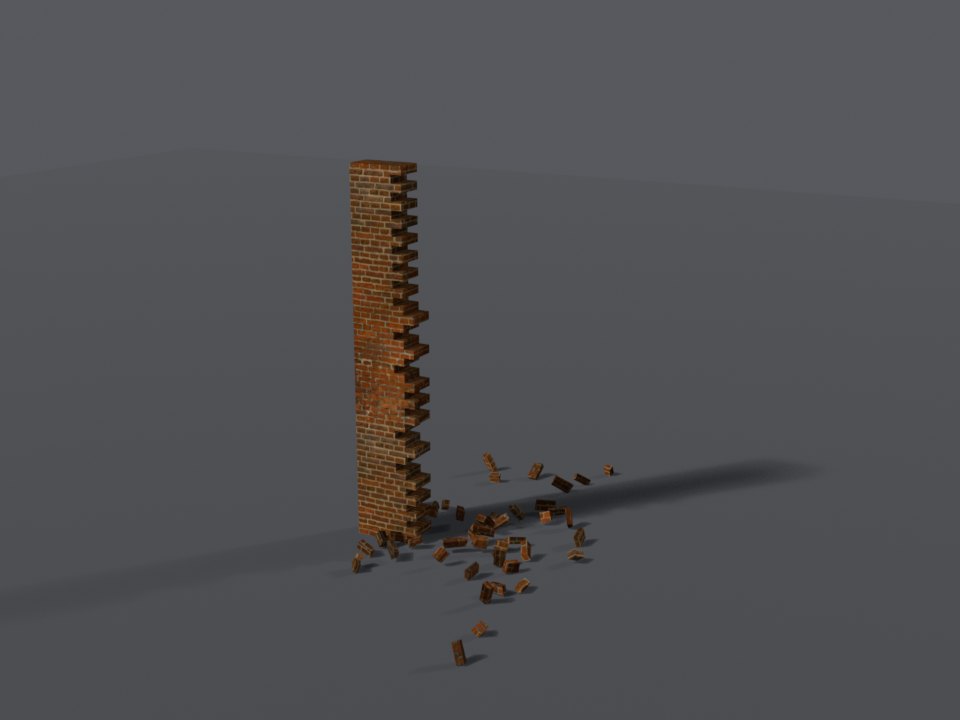
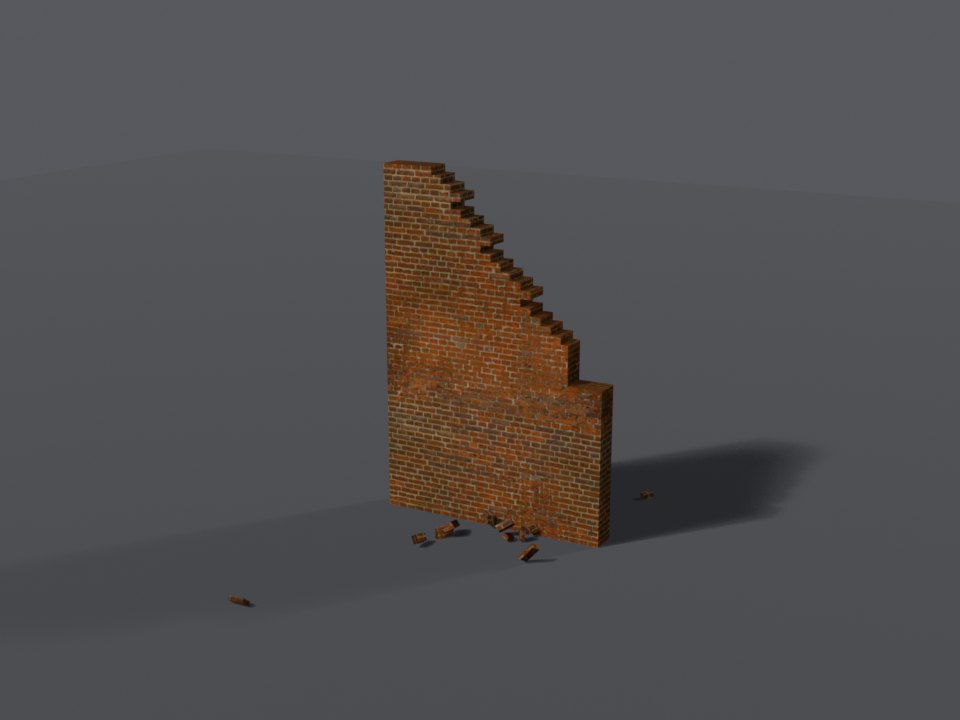
Every style ships ten hole shapes. Below they are shown on the red brick wall. Numbers 5 and 6 are 4 m units; 9 and 10 only ever open at a run's end.
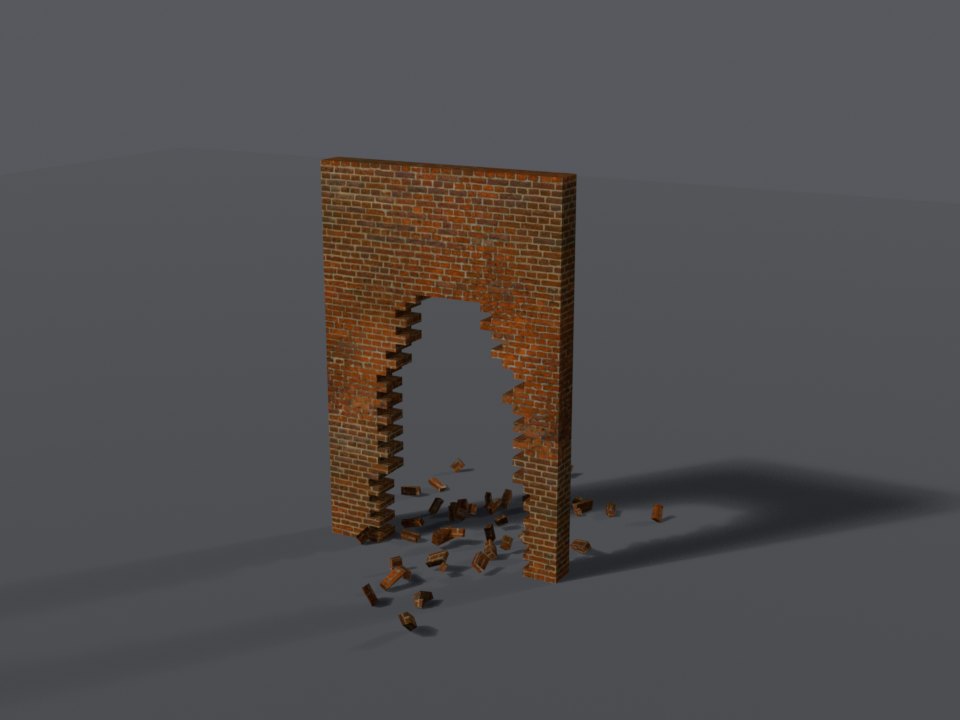
doorway) Doorway-sized - walk through it.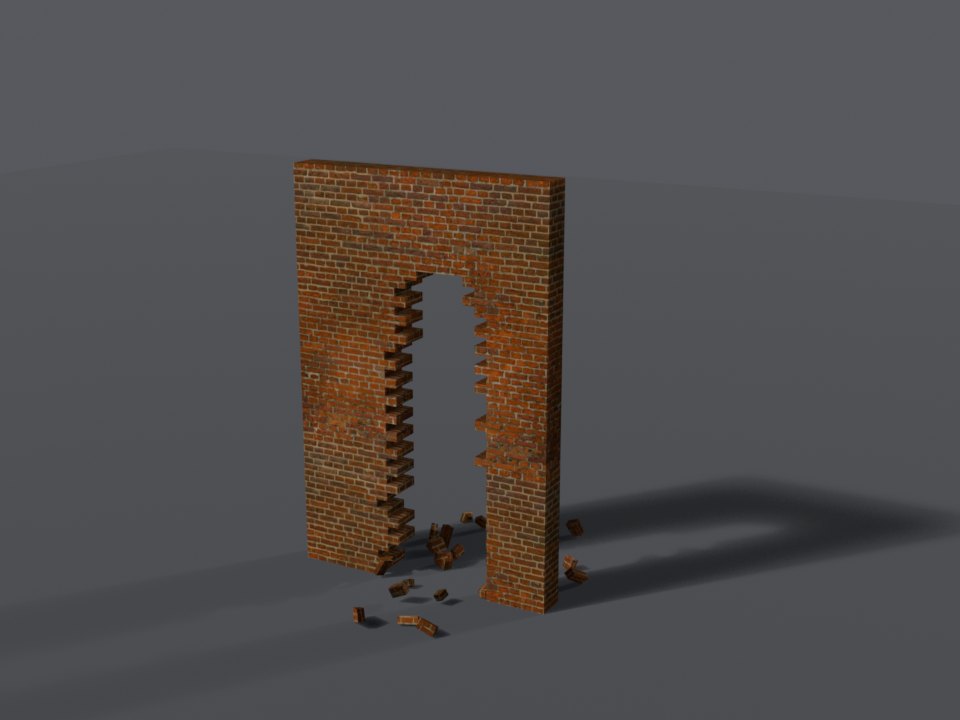
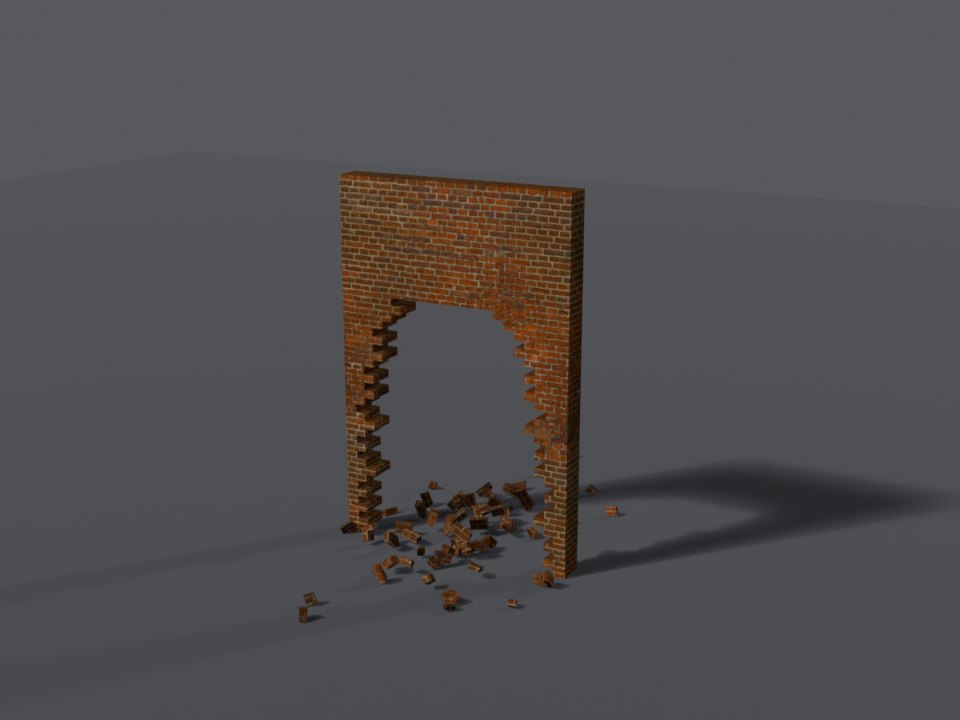
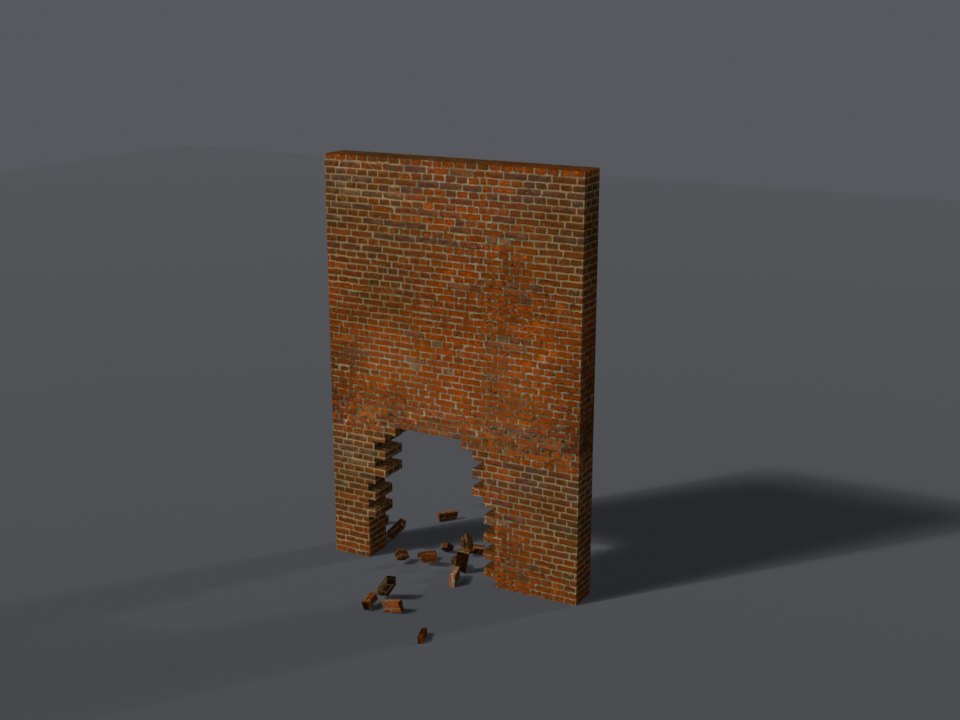
Which Hole a Blast Leaves
A game explosion picks its shape by how much power it has to spare over the wall's toughness:
| Power to spare | Hole |
|---|---|
| 0 - only just through | a split, a low hole, or a window (one at random) |
| 1 | a doorway |
| 2 | blown wide |
| 3 or more | vehicle-sized, or the whole section comes down |
A 4 m shape that does not fit the run - or the gap between two holes - falls back to the biggest 2 m one. A blast into a hole that is already there makes it the shape the blast would have left, or one size up from what is there, whichever is more.
Bombs and Walls
A planted bomb breaches only a wall it is set against - stuck on it, or standing right at its foot - and the hole opens where the bomb is. How much explosive the builder packed into it (its yield) decides how hard it hits and which hole it leaves - and where on the wall it sits matters too:
| Yield | Power | At the foot | Higher up | At the top | Near an end | Upper corner |
|---|---|---|---|---|---|---|
| 1 block | 2 | crawl hole | window | top edge | as at its height | as at its height |
| 2 blocks | 3 | doorway | window | top edge | as at its height | as at its height |
| 3 blocks | 4 | blown wide | blown wide | top edge | end knocked off | corner |
| 4 blocks | 4 | vehicle-sized | vehicle-sized | top edge | end knocked off | corner |
| 5 blocks | 5 | vehicle-sized | vehicle-sized | top edge | end knocked off | corner |
| 6 blocks | 5 | whole section down | whole section down | whole section down | whole section down | whole section down |
While a player aims a bomb, the walls it would breach - and the hole each would get - are previewed on the wall.
Placing from a Script
Put walls up from your own resource with the server exports. Pass the wall's style key from Wall Styles, e.g. 'brick_red' - not its wall-kit item name.
Between two points
placeWallBetween closes the gap between two points: the wall runs from the first to the second, and its length and heading are worked out for you.
-- Brick up a doorway: two points on the ground, one at each side of it
local wallId = exports['sd-bombs']:placeWallBetween('brick_red',
    vec3(253.2, 225.4, 101.8), -- one side of the gap
    vec3(256.9, 224.1, 101.8), -- the other side
    { tag = 'my-heist' }
)
print(('Wall %d placed'):format(wallId))
The length is rounded up to the next 0.25 m, so the wall always closes the gap. The wall's foot goes at the lower of the two points' heights - give ground-level points, or pass z in the options.
Ground height
A player's position (GetEntityCoords(ped)) is about 1 m above the ground. Copying it straight in leaves the wall floating - take 1 m off its z, or pass the ground height as z.
At a position
placeWall puts a wall of a given length centred on a point, facing a heading:
-- A 6 m painted brick wall, navy, centred on this spot and facing 90 degrees
local wallId = exports['sd-bombs']:placeWall('brick_painted', vec4(-1182.4, -884.2, 13.8, 90.0), {
    length = 6.0,
    color = 'navy',       -- a colour the style comes in (see Paint Colours)
    persistent = true,      -- saved in data/walls.json, back after a restart
})
Options
| Option | Default | Description |
|---|---|---|
length | 2 | placeWall only: metres, rounded up to 0.25 (max 40) |
color | - | A paint colour the style comes in |
persistent | false | Save it so it comes back after a restart |
tag | - | Your own label - remove all your walls at once with removeWallsByTag('my-heist') |
scriptOnly | false | Explosions and bombs never breach it - only your script does. See Only Your Script Opens It |
autoRepair | true | false = it never rebuilds itself: it stays breached until repairWall |
z | the lower point | placeWallBetween only: the height of the wall's foot |
Walls a script rebuilds every time
Leave persistent off and give your walls a tag: put them up when your heist starts, and tear them down with removeWallsByTag when it resets. Nothing is left behind in data/walls.json.
Breaching from a Script
You do not need this to blow walls up
Bombs and explosions breach walls on their own. A planted bomb opens the wall it is set against when it goes off, and grenades, sticky bombs, rockets, and exploding vehicles do the same - no script, no setup. See Bombs and Walls and Toughness.
This section is for developers who want a wall to open without an explosion, or exactly the way they choose - a thermite or cutting-torch minigame that opens a wall when it is won, a truck driven through a wall in a scripted scene, a heist that always leaves the same hole in the same spot.
Only Your Script Opens It
By default a wall your script places still breaks to any explosion - a player with a grenade can open your vault wall early. To keep a wall strictly to your script, place it with scriptOnly = true: game explosions and planted bombs never breach it, and the bomb planting preview leaves it out. Only breachWall / breakWall - and staff from the admin panel - open it.
local vaultWall = exports['sd-bombs']:placeWallBetween('concrete_reinforced',
    vec3(253.2, 225.4, 100.8), vec3(256.9, 224.1, 100.8), {
    tag = 'my-heist',
    scriptOnly = true,   -- explosions and bombs never breach it: only your script does
    autoRepair = false,  -- and it stays open until you call repairWall
})

-- When the thermite minigame is won:
exports['sd-bombs']:breachWall(vaultWall, 'doorway', { along = 1.8, type = 'thermite' })

-- When the heist resets:
exports['sd-bombs']:repairWall(vaultWall)
Change it later with setWallRules, e.g. setWallRules(vaultWall, { scriptOnly = false }) once the alarm is cut. To turn explosion breaching off for every wall on the server instead, set Explosions.Enabled = false and Bomb.Enabled = false in configs/shared/breaking.lua - see Configuration.
Opening a Wall
Open a wall your way with the breachWall export - pick the shape by name and where along the wall it goes:
-- A doorway 3 m along wall 12
exports['sd-bombs']:breachWall(12, 'doorway', { along = 3.0 })

-- Knock the far end off
exports['sd-bombs']:breachWall(12, 'end', { side = 'end' })

-- Let the wall pick, the way a rocket would
exports['sd-bombs']:breachWall(12, nil, { power = 3 })
Staff Commands
| Command | What it does |
|---|---|
/wall_place [style key] | Place one 2 m wall module with the placement tool, e.g. /wall_place brick_red (none: the last one used) |
/wall_remove | Remove the wall nearest to you |
/wall_break | Breach the wall nearest to you |
/wall_repair [all] | Rebuild the nearest breached wall, or every one |
/wall_clear | Remove every wall, saved ones included |
/wall_styles | List the style keys |
All wall commands are restricted to group.admin by default (Commands.Restricted in configs/shared/placement.lua). The admin panel's Walls tab does all of this and more - place runs of any length with a live 3D preview, resize, extend, restyle, repaint, and move them.