
Printers
Stand a printer near a computer and its apps can print. A page is not handed to whoever pressed Print: it comes out of the printer, and waits in its tray until somebody walks over and takes it.
Printing
Notepad (File > Print, or Ctrl + P), Files, Mail, Bank and Event Viewer each have a Print. It lists the printers within reach of that computer (Range, 30 m), nearest first, and asks how many copies.
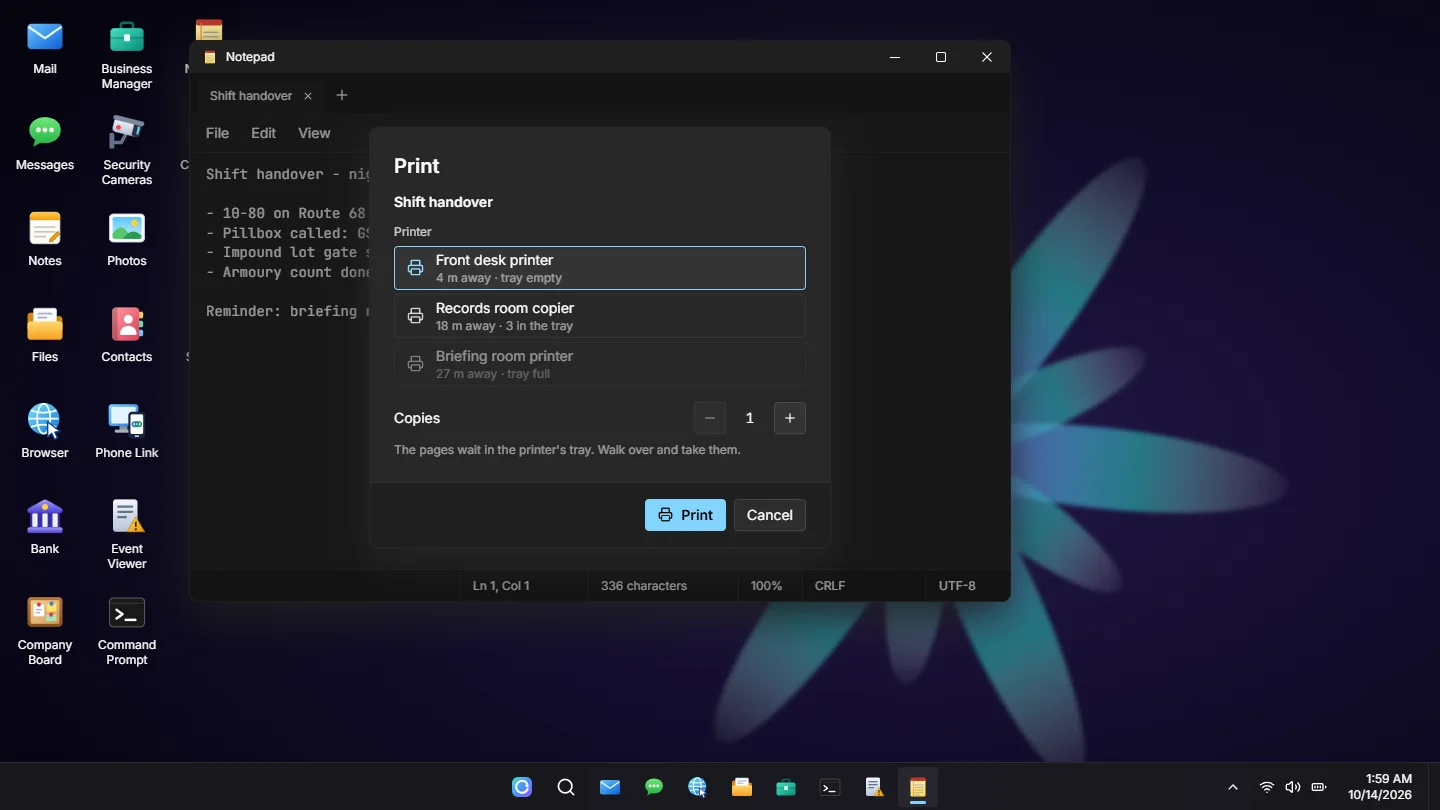
Every print is written to that computer's System Logs (event 5001, source Print Spooler).
Taking the Pages
Target the printer and take what is in its tray. Each copy takes a moment to come out (PageSeconds). Anyone standing there can take them unless OwnOnly is set, a full tray prints nothing more (TrayLimit), and what nobody collects is thrown away after an hour (TrayMinutes).
The Printed Page
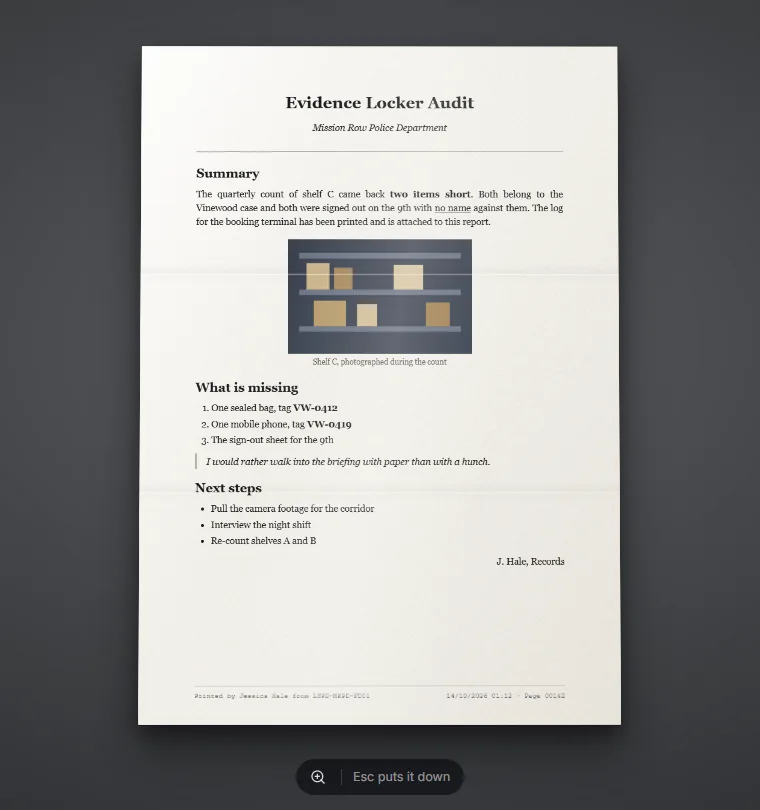
A printout is one inventory item, printed_document (see Installation). Its tooltip says what the page is, who printed it, when, and from which machine. Using it holds the page up to read.
It is a sheet of A4, the same size whatever is on it: it leans with the mouse, zooms in for small print (Z), and a long one runs over several sheets that turn with the arrow keys, the mouse wheel or the buttons under it. Copies of the same page stack, and it can be handed over, stashed or found on somebody like any other item.
What a Page Is
| Printed from | What comes out |
|---|---|
| Notepad | Plain type |
| Files | The document the way it was set: its typeface, headings, lists and pictures, and its lines to sign on |
| The message with its headers | |
| Bank | A statement on the bank's letterhead, with its rows |
| Event Viewer | The system log on green-bar listing paper |
Mail, statements and logs are built by the server from its own data, never from what the page sent, so nobody can print a statement that says something the bank does not. A document is read back from where it was saved in the same way, which is why it has to be saved before it prints.
Other resources can print pages of their own with PrintAt and GivePrintout.
Signing
A document written in Files can have lines to sign on: the pen button in Files adds one, named for whoever signs it, and two put in one after the other sit side by side. They are signed on paper:
- Whoever holds the printed page presses Sign here on a line.
- They sign it, drawn with the mouse or typed in a handwriting. That signature is kept for every page they sign after.
- The name and time under it are the server's, so a line always says who really signed it.
Then the page is handed to the next person, like any item. Copies of a page stack until one is signed: the signed copy is a page of its own, and its tooltip says who has signed it.
Signatures = false in configs/shared/printers.lua leaves the lines on the page with nobody able to sign them.
Printers in the World
Printers are placed from the admin panel: stand a new one with the placement gizmo, or pick a printer or copier the game already has. The props a printer can be are shown on Props & Screens.
They are kept in the computers_printers table, the pages in computers_prints, and the signature each character signs with in computers_signatures.
Every setting is under Configuration > Printers.