
Interact v1.0.0
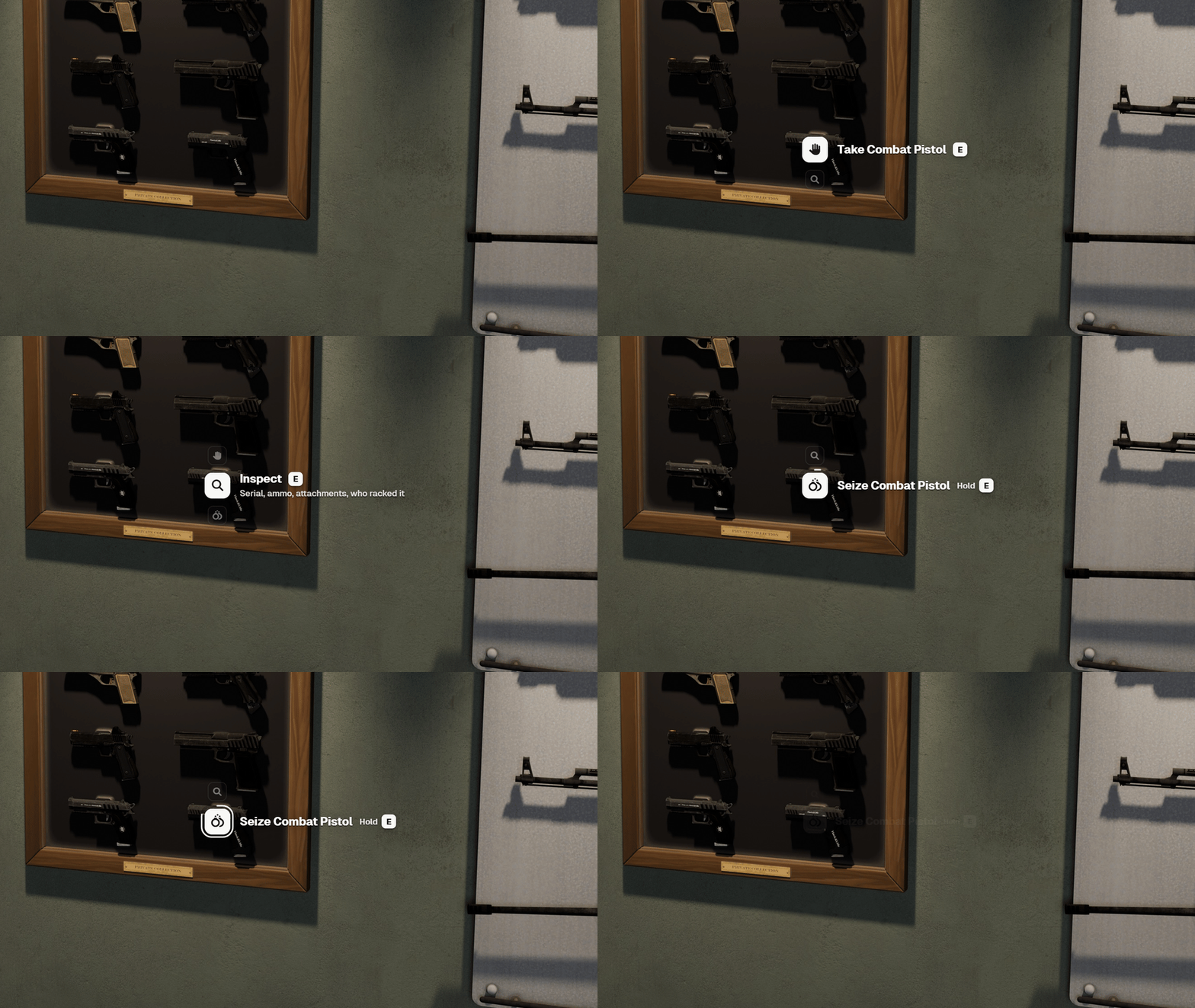
sd-interact puts the interaction on the thing itself. Look at something you can use and a small prompt opens on it: an icon tile on the spot, what it does, and the key that does it. It is free and open source (GitHub, GPL-3.0).
How it works
- Points. A resource registers a point: fixed coordinates, an entity (local or networked, on an offset or a bone), every entity of some models, or every vehicle, ped, object or player nearby. A point carries its options and two distances.
- Focus. Of the points within reach, the one nearest the middle of the screen gets the prompt. A prompt behind a wall doesn't open. Other points in range show as small dots, a ring once you are close enough to use them, and dots that crowd together merge into one.
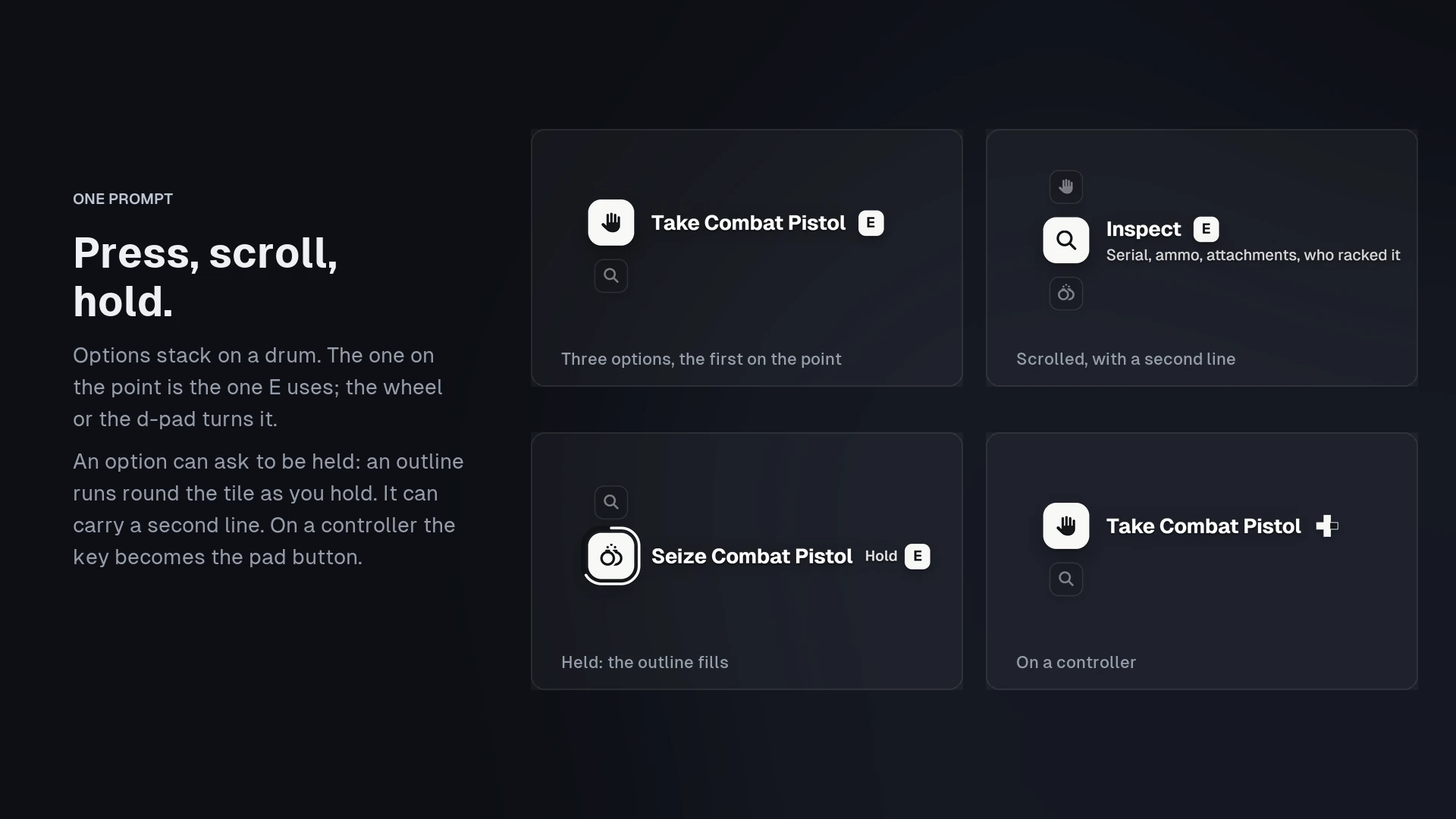
- The prompt. Options stack on a drum, and the one on the point is the one the key uses. The mouse wheel or the d-pad turns the drum. An option can be held instead of pressed: an outline runs round its tile as you hold and runs back if you let go.
- Drawn into the world. The prompt is a web page rendered off screen and painted into the game's own frame at the point, so it stays pinned to the world with no lag and renders at the screen's own resolution.
Highlights
- A small API.
addCoords,addLocalEntity,addEntity,addModeland the global adders, each returning an id you canupdateorremove. Points go away by themselves when the resource that made them stops. - The option fields you already know. Options take ox_target's handler fields (
onSelect,export,event,serverEvent,command) andgroups, so option tables move over as they are. - Live labels.
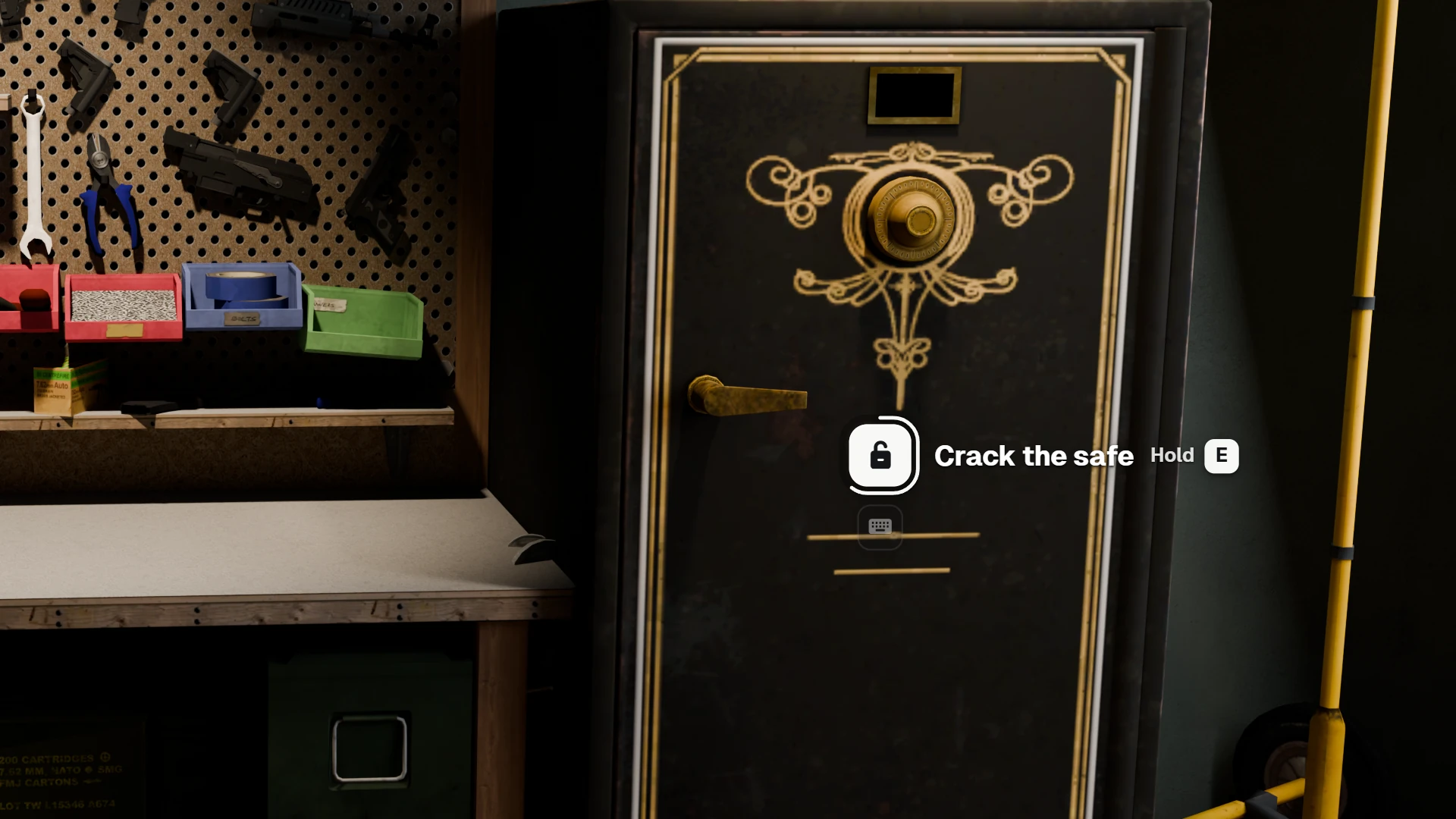
canInteractcan return a second value: the label to show right now ("Lock" or "Unlock"), without re-registering the point. - Keyboard and controller. Confirm, next and previous are FiveM key mappings, so every player can rebind them. On a pad the prompt shows the button's glyph.
- A stand-in for your target. Turned on, it answers
exports.ox_target,exports.qtargetandexports['qb-target']with prompts, so the scripts you already run use it without a line changed. See Replacing ox_target / qb-target.
Getting started
- Installation: download, start order, and a first prompt to check it works.
- Adding prompts: points, distances, options, who sees them and what they do.
- Examples: a shopkeeper, every ATM, a car's boot, a door that says Lock or Unlock, and more.
- Client exports: every export with its parameters.
- Configuration: distances, keys, prompt size and dots.